classic mac

the-mac-calculator’s-original-design-came-from-letting-steve-jobs-play-with-menus-for-ten-minutes

The Mac calculator’s original design came from letting Steve Jobs play with menus for ten minutes

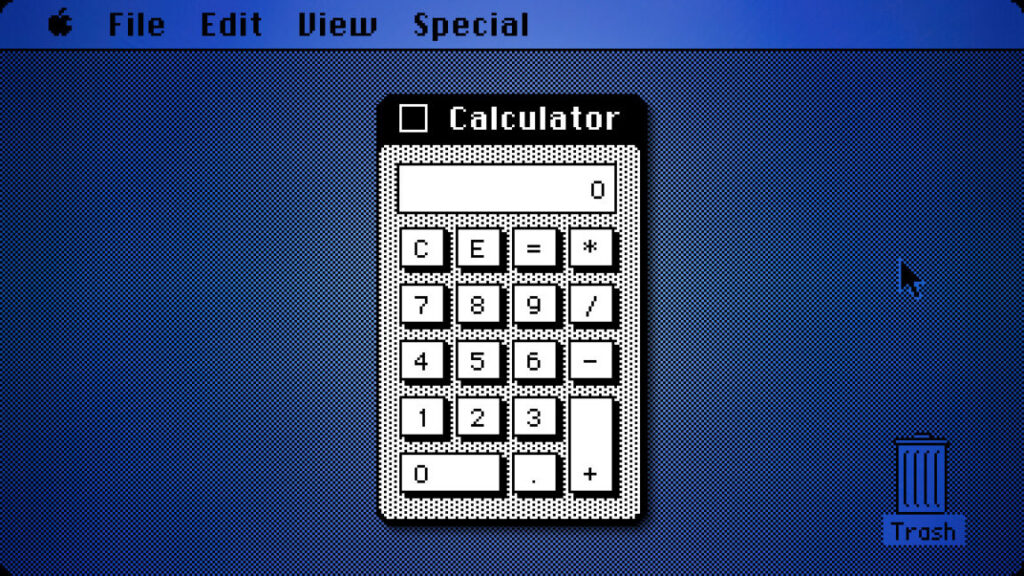
Rather than continue the endless revision cycle, Espinosa took a different approach. According to Hertzfeld, Espinosa created a program that exposed every visual parameter of the calculator through pull-down menus: line thickness, button sizes, background patterns, and more. When Jobs sat down with it, he spent about ten minutes adjusting settings until he found a combination he liked.

The approach worked. When given direct control over the parameters rather than having to articulate his preferences verbally, Jobs quickly arrived at a design he was satisfied with. Hertzfeld notes that he implemented the calculator’s UI a few months later using Jobs’s parameter choices from that ten-minute session, while Donn Denman, another member of the Macintosh team, handled the mathematical functions.

That ten-minute session produced the calculator design that shipped with the Mac in 1984 and remained virtually unchanged through Mac OS 9, when Apple discontinued that OS in 2001. Apple replaced it in Mac OS X with a new design, ending the calculator’s 17-year run as the primary calculator interface for the Mac.

Why it worked

Espinosa’s Construction Set was an early example of what would later become common in software development: visual and parameterized design tools. In 1982, when most computers displayed monochrome text, the idea of letting someone fine-tune visual parameters through interactive controls without programming was fairly forward-thinking. Later, tools like HyperCard would formalize this kind of idea into a complete visual application framework.

The primitive calculator design tool also revealed something about Jobs’s management process. He knew what he wanted when he saw it, but he perhaps struggled to articulate it at times. By giving him direct manipulation ability, Espinosa did an end-run around that communication problem entirely. Later on, when he returned to Apple in the late 1990s, Jobs would famously insist on judging products by using them directly rather than through canned PowerPoint demos or lists of specifications.

The longevity of Jobs’s ten-minute design session suggests the approach worked. The calculator survived nearly two decades of Mac OS updates, outlasting many more elaborate interface elements. What started as a workaround became one of the Mac’s most simple but enduring designs.

By the way, if you want to try the original Mac OS calculator yourself, you can run various antique versions of the operating system in your browser thanks to the Infinite Mac website.
The Mac calculator’s original design came from letting Steve Jobs play with menus for ten minutes Read More »

after-27-years,-engineer-discovers-how-to-display-secret-photo-in-power-mac-rom

After 27 years, engineer discovers how to display secret photo in Power Mac ROM

“If you double-click the file, SimpleText will open it,” Brown explains on his blog just before displaying the hidden team photo that emerges after following the steps.

The discovery represents one of the last undocumented Easter eggs from the pre-Steve Jobs return era at Apple. The Easter egg works through Mac OS 9.0.4 but appears to have been disabled by version 9.1, Brown notes. The timing aligns with Jobs’ reported ban on Easter eggs when he returned to Apple in 1997, though Brown wonders whether Jobs ever knew about this particular secret.

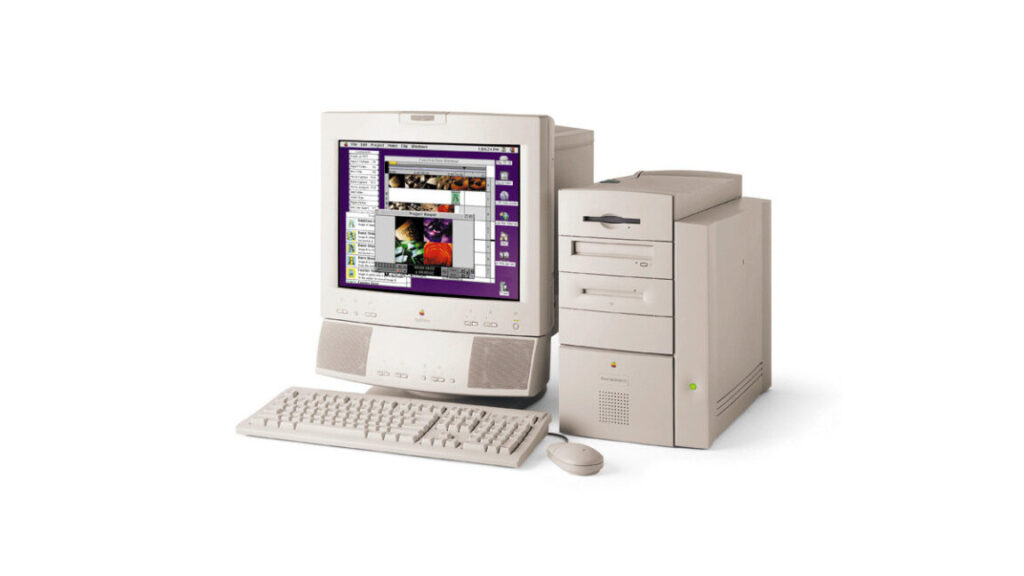
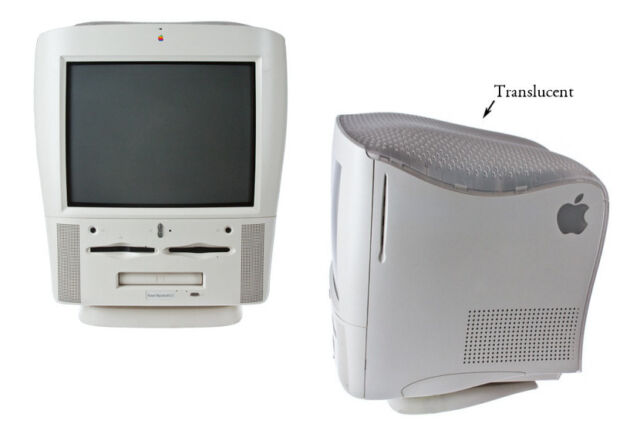
The G3 All-in-One is often nicknamed the

The ungainly G3 All-in-One set the stage for the smaller and much bluer iMac soon after. Credit: Jonathan Zufi

In his post, Brown expressed hope that he might connect with the Apple employees featured in the photo—a hope that was quickly fulfilled. In the comments, a man named Bill Saperstein identified himself as the leader of the G3 team (pictured fourth from left in the second row) in the hidden image.

“We all knew about the Easter egg, but as you mention; the technique to extract it changed from previous Macs (although the location was the same),” Saperstein wrote in the comment. “This resulted from an Easter egg in the original PowerMac that contained Paula Abdul (without permissions, of course). So the G3 team wanted to still have our pictures in the ROM, but we had to keep it very secret.”

He also shared behind-the-scenes details in another comment, noting that his “bunch of ragtag engineers” developed the successful G3 line as a skunk works project, with hardware that Jobs later turned into the groundbreaking iMac series of computers. “The team was really a group of talented people (both hw and sw) that were believers in the architecture I presented,” Saperstein wrote, “and executed the design behind the scenes for a year until Jon Rubenstein got wind of it and presented it to Steve and the rest is ‘history.'”

After 27 years, engineer discovers how to display secret photo in Power Mac ROM Read More »

endangered-classic-mac-plastic-color-returns-as-3d-printer-filament

Endangered classic Mac plastic color returns as 3D-printer filament

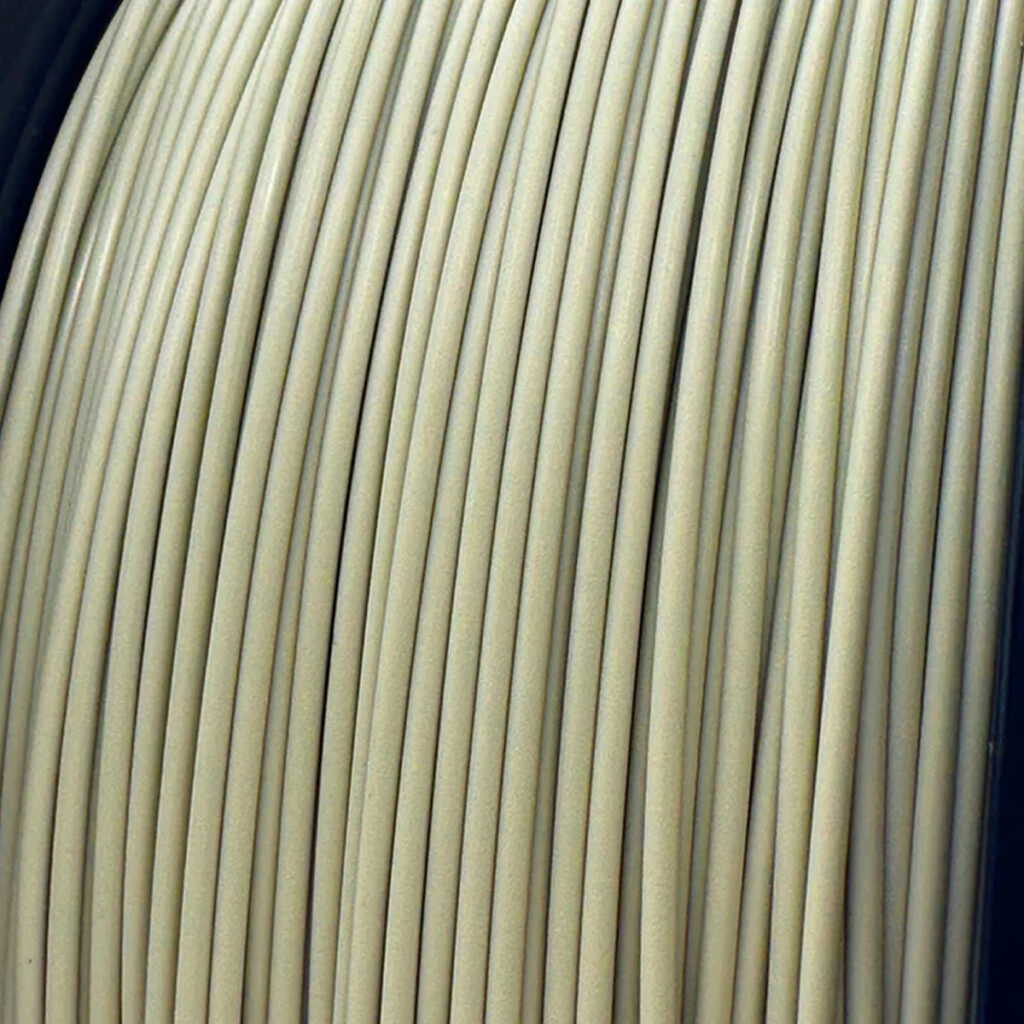
On Tuesday, classic computer collector Joe Strosnider announced the availability of a new 3D-printer filament that replicates the iconic “Platinum” color scheme used in classic Macintosh computers from the late 1980s through the 1990s. The PLA filament (PLA is short for polylactic acid) allows hobbyists to 3D-print nostalgic novelties, replacement parts, and accessories that match the original color of vintage Apple computers.

Hobbyists commonly feed this type of filament into commercial desktop 3D printers, which heat the plastic and extrude it in a computer-controlled way to fabricate new plastic parts.

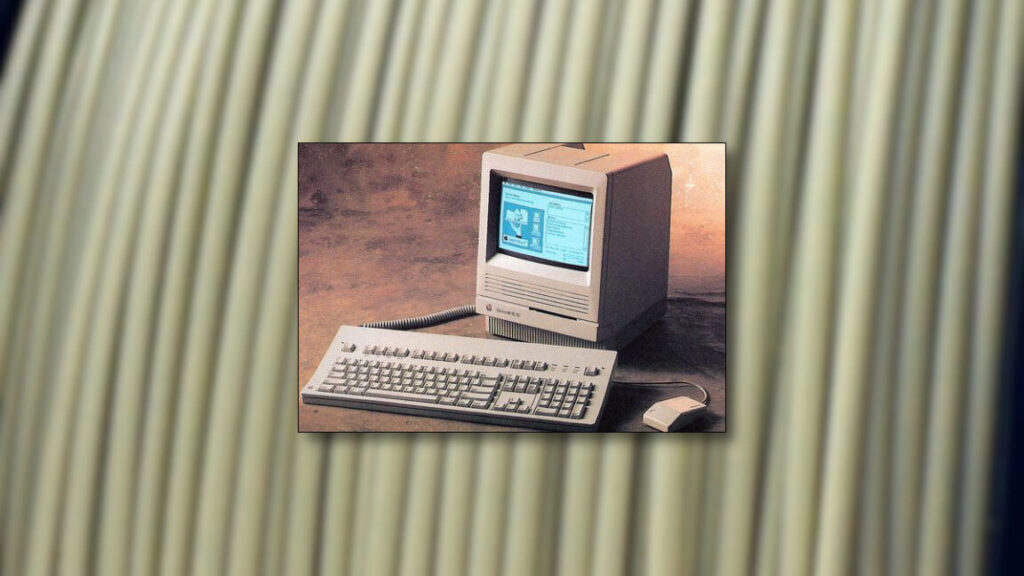
The Platinum color, which Apple used in its desktop and portable computer lines starting with the Apple IIgs in 1986, has become synonymous with a distinctive era of classic Macintosh aesthetic. Over time, original Macintosh plastics have become brittle and discolored with age, so matching the “original” color can be a somewhat challenging and subjective experience.

A close-up of

A close-up of “Retro Platinum” PLA filament by Polar Filament. Credit: Polar Filament

Strosnider, who runs a website about his extensive vintage computer collection in Ohio, worked for years to color-match the distinctive beige-gray hue of the Macintosh Platinum scheme, resulting in a spool of hobby-ready plastic by Polar Filament and priced at $21.99 per kilogram.

According to a forum post, Strosnider paid approximately $900 to develop the color and purchase an initial 25-kilogram supply of the filament. Rather than keeping the formulation proprietary, he arranged for Polar Filament to make the color publicly available.

“I paid them a fee to color match the speaker box from inside my Mac Color Classic,” Strosnider wrote in a Tinkerdifferent forum post on Tuesday. “In exchange, I asked them to release the color to the public so anyone can use it.”

Endangered classic Mac plastic color returns as 3D-printer filament Read More »

the-upside-down-capacitor-in-mid-‘90s-macs,-proven-and-documented-by-hobbyists

The upside-down capacitor in mid-‘90s Macs, proven and documented by hobbyists

Brown notes that the predecessor Mac LC and LC II had the correct connections, as did the LC 475, which uses the same power supply scheme. This makes him “confident that Apple made a boo-boo on the LC III,” or “basically the hardware equivalent of a copy/paste error when you’re writing code.”

Making sure rehabbers don’t make the same mistake

Why was this not noticed earlier, other than a couple forum threads seen by dedicated board rehabbers? There are a few reasons. For one thing, the rail was only used for a serial port or certain expansion card needs, so a capacitor failure, or out-of-spec power output, may not have been noticed. The other bit is that the original capacitor was rated for 16V, so even with -5V across it, it might not have failed, at least while it was relatively fresh. And it would not have failed in quite so spectacular a fashion as to generate stories and myths.

As to whether Apple knew about this but decided against acting on a somewhat obscure fault, one that might never cause real problems? By all means, let us know if you worked at Apple during that time and can clue us in. Ars has emailed Apple with this tremendously relevant question, the day before Thanksgiving, and will update this post with any comment.

By posting his analysis, Brown hopes to provide anyone else re-capping one of these devices with a bright, reflective warning sign to ignore Apple’s markings and install C22 the electrically correct way. Brown, reached by email, said that he heard from another hobbyist that the reverse voltage “would explain why the replacement cap” they installed “blew up.” Some restoration types, like Retro Viator, noticed the problem and fixed it pre-detonation.

Modern rehabbers tend to use tantalum capacitors to replace the fluid-filled kind that probably damaged the board they’re working on. Tantalum tends to react more violently to too much or reverse voltage, Brown wrote me.

Should C22 or other faulty capacitors destroy your LC III board entirely, Brown notes that 68kMLA member max1zzz has made a reverse-engineered full logic board schematic.

The upside-down capacitor in mid-‘90s Macs, proven and documented by hobbyists Read More »