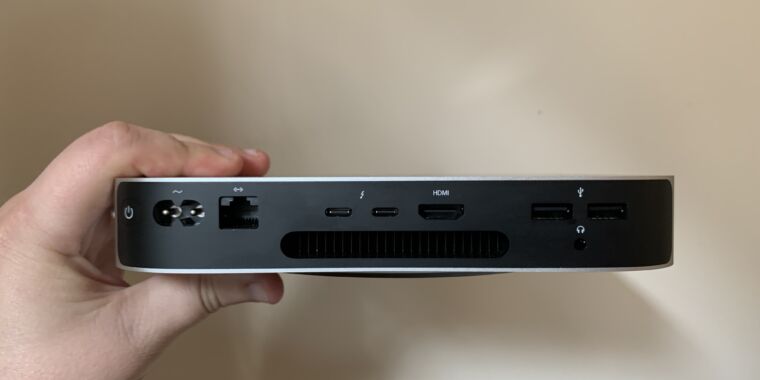
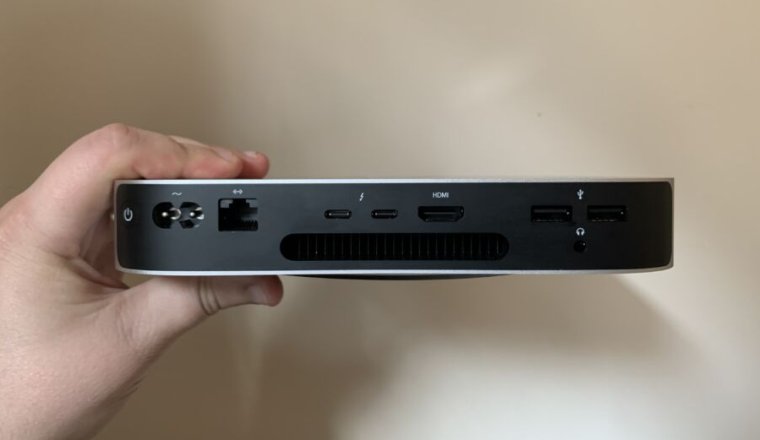
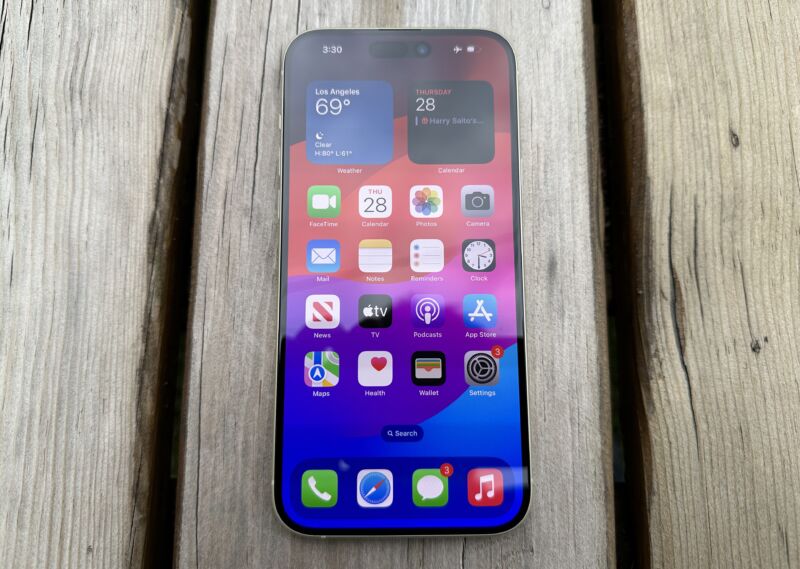
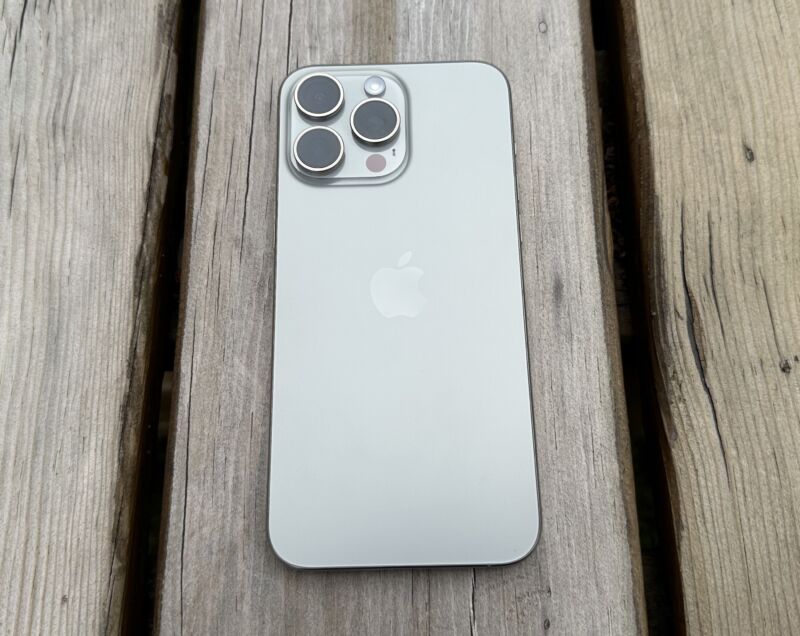
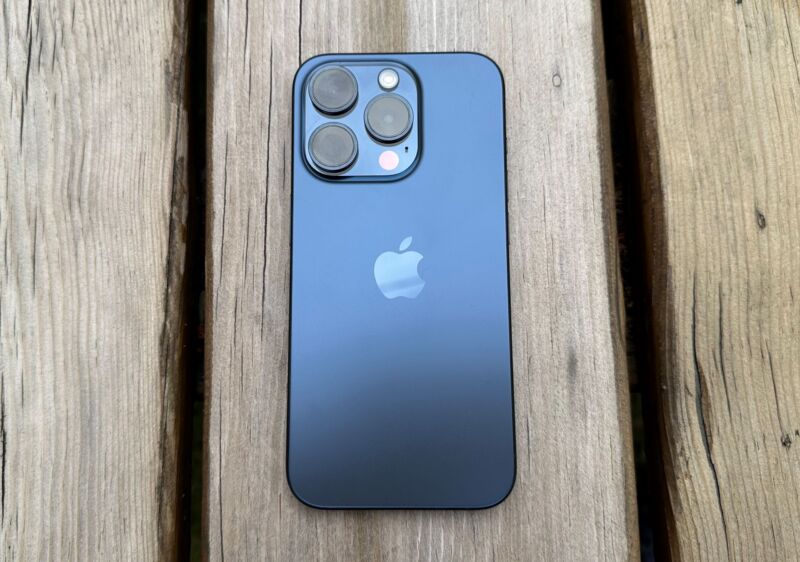
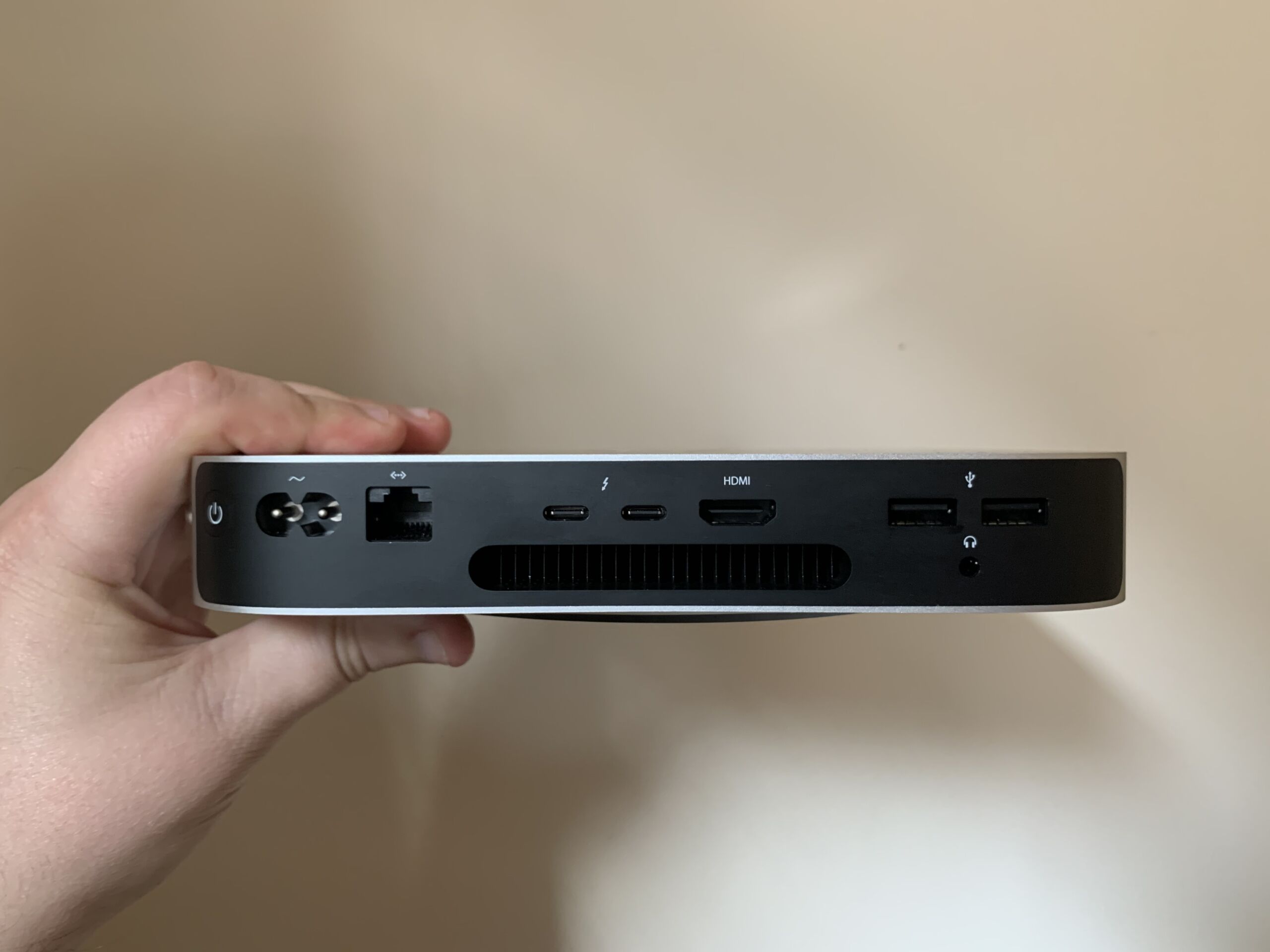
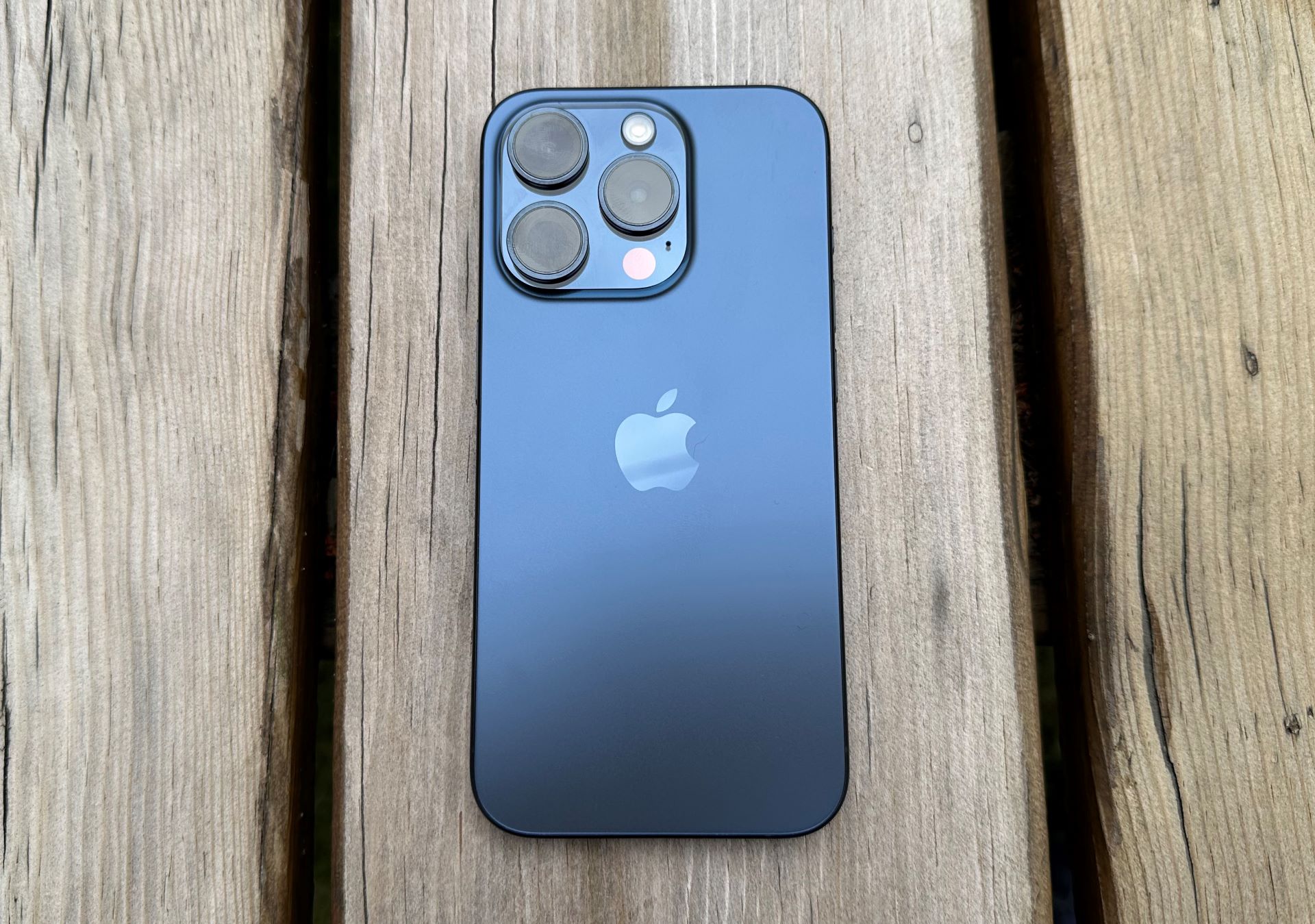
Enlarge/ If you have one of these, or another Mac handy, you should soon be able to access Beeper on Android and desktop platforms. You’ll just need to grab its “registration data” every so often.
Samuel Axon
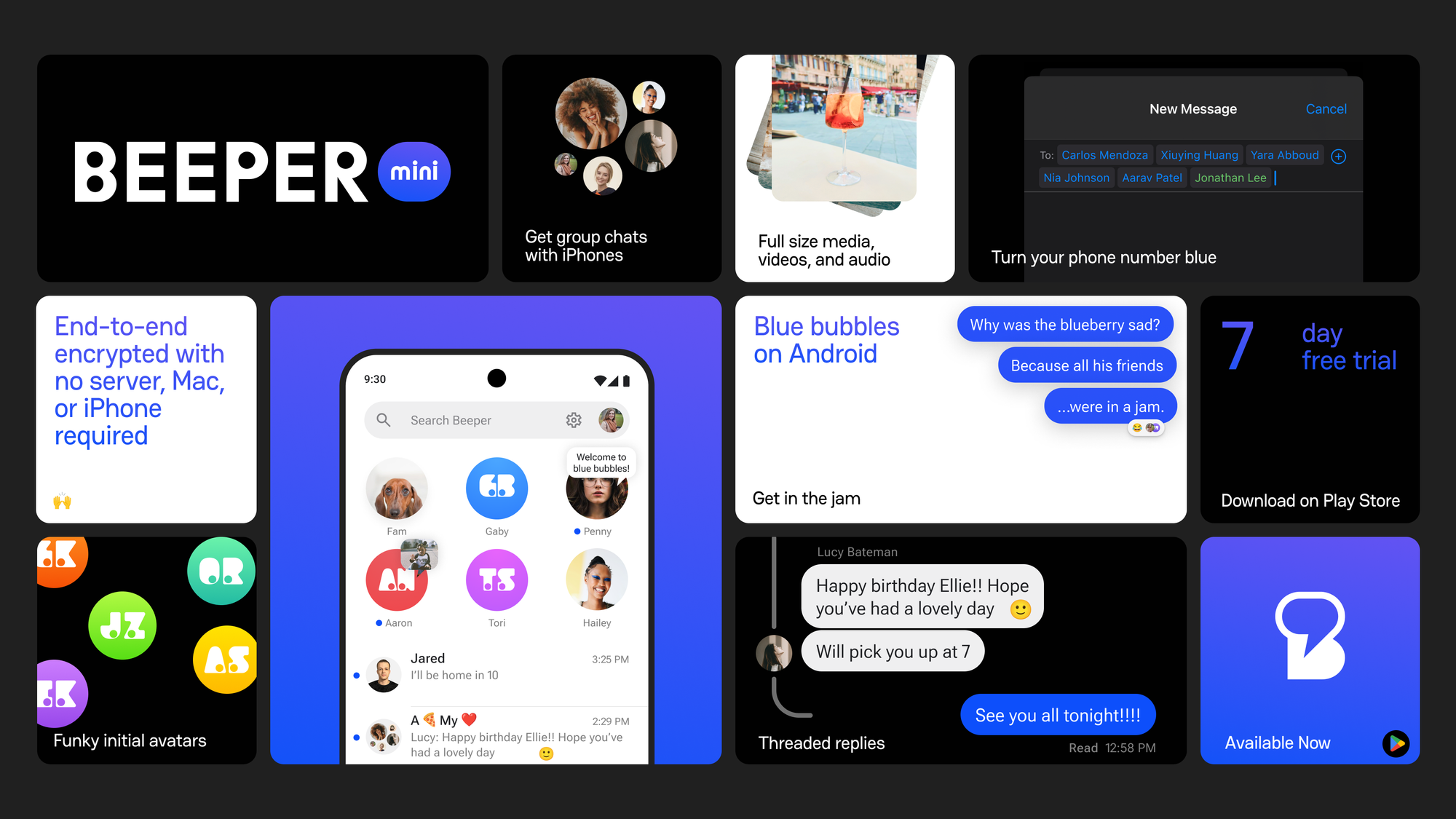
Beeper’s Android app, which initially promised iMessage support with just a phone number, lost that connection once Apple started openly pushing back on it less than a week after it launched. Beeper has kept revising its approach, and its newest method—involving regular access to a physical Mac—suggests why the company has added a political component to its efforts.
Beeper started pushing back after its initial blockage, both through continued development and through media and political messaging. After a second, if smaller, Apple crackdown, co-founder Eric Migicovsky welcomed CBS Mornings into his garage, where he advanced his argument that Beeper was turning grossly insecure SMS messages between iPhone and Android users into secure, end-to-end encrypted chats. (CBS also interviewed James Gill, the 16-year-old whose work connecting to iMessage, using reverse-engineering methods, is the foundation of Beeper’s iMessage tech).
CBS Mornings‘ interview with Beeper co-founder Eric Migicovsky and James Gill, a teenage coder.
That interview lined up with another development: a bi-partisan foursome of US lawmakers, including Sen. Amy Klobuchar (D-Minn.), sending a letter to the Department of Justice regarding “Apple’s potential anti-competitive treatment of the Beeper Mini messaging application.” Apple’s actions toward Beeper, the letter suggests, could “eliminate choices for consumers,” “discourage future innovation and investment” in messaging, and make Apple a “digital gatekeeper,” suggesting a need for review by the DOJ’s Antitrust Division.
The move follows, and seems to echo, similar efforts by European Union regulators to open up iMessage, which have been stalled so far. Apple has announced that it will adopt RCS standards for SMS messaging, bringing delivery status and higher-quality media to messages between Android and iPhone users. But Apple is adopting a general RCS standard, not one with end-to-end encryption enabled, such as with Google’s own extension of RCS.
As of Sunday, more than 60 percent of Beeper users still couldn’t access iMessage, according to Beeper status updates. Today, Migicovsky told Beeper users (and a “Beeper Team” member posted on Reddit) that there was a solution, though it requires “access to a Mac computer,” or “a friend on Beeper with a Mac.” The updated workaround is due to arrive on Wednesday.
Beeper says that the issue involves the need for non-identifying “registration data” to access iMessage. Beeper had been using “our own fleet of Mac servers” to provide that data. “Unfortunately, this has proven to be an easy target for Apple because thousands of Beeper users were using the same registration data,” Migicovsky wrote users.
The updated Beeper app for Mac will allow for pulling a real Mac’s registration data, for both desktop and Android apps, and perhaps even sharing it with a small number of Beeper users. “In our testing, 10-20 iMessage users can safely use the same registration data,” Migicovsky wrote. He added that Beeper will be open-sourcing its full iMessage bridge, along with the Mac app code that generates registration data, which should provide a self-hosting option.
You’ll need occasional, if regular, access to that Mac running Beeper, however, as “roughly once per week or month” the data needs to be re-generated.
That kind of requirement, besides limiting a big part of its market to “Android users who also happen to have a Mac,” pushes Beeper even further into a kind of uncanny valley for providing iMessage support to non-Apple hardware. Being able to sometimes send secure, feature-rich iMessages, but occasionally losing access due to Apple’s stated intent to stop it, is a tough sell, even if Beeper isn’t charging at the moment.
That might explain why the company is looking to Congress, and user outcry, for alternate routes into iMessage.
This post was updated at 5: 30 p.m. on Dec. 19 to add context regarding Apple’s adoption of RCS, but not end-to-end encryption for RCS messages.
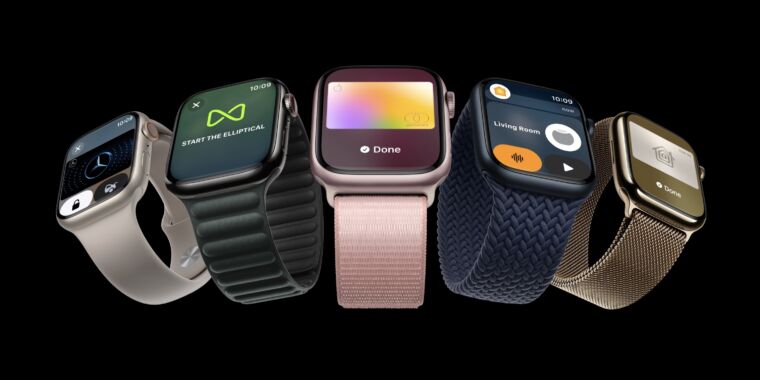
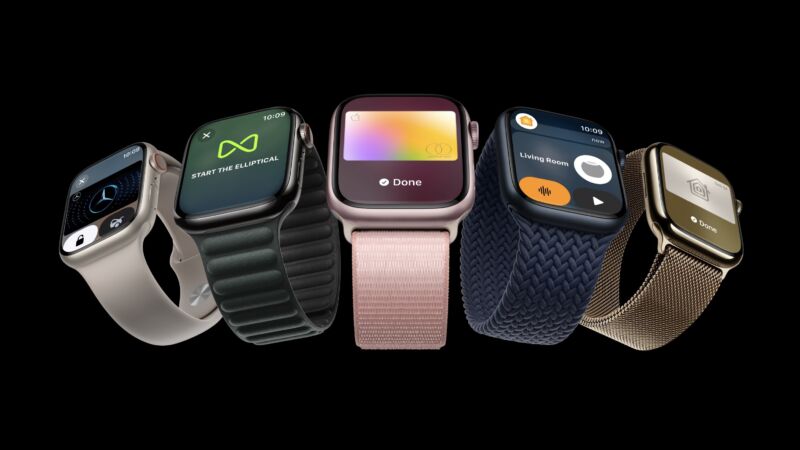
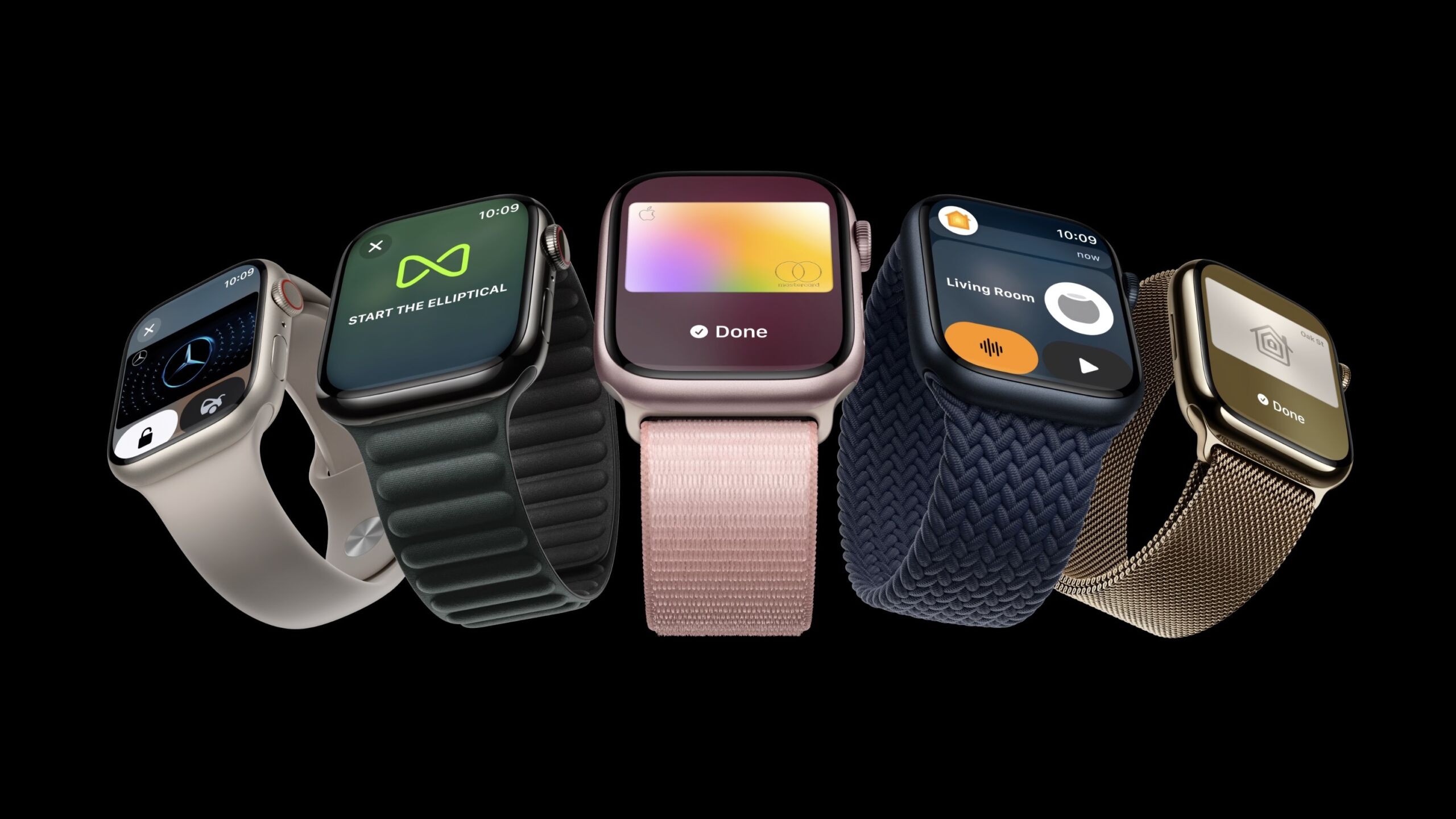
Enlarge/ The Apple Watch Series 9 released in September 2023.
Apple
Apple will pause sales of the Apple Watch Series 9 and Apple Watch Ultra 2 starting December 21, it revealed today in a statement to 9to5Mac. The move comes as the products are facing a potential import ban until August 2028, due to rulings that the watches infringe on patents from Masimo.
In October, the US International Trade Commission (ITC) upheld a January ruling that Apple Watches with pulse oximeter features infringe on two Masimo patents. Since then, the case has been under a 60-day Presidential Review Period, which ends December 25. After that date, the watches are subject to an import ban until the patents’ expiration in 2028.
Apple told 9to5Mac:
While the review period will not end until December 25, Apple is preemptively taking steps to comply should the ruling stand. This includes pausing sales of the Apple Watch Series 9 and Apple Watch Ultra 2 from Apple.com starting December 21, and from Apple retail locations after December 24.
The Apple Watch SE will remain available since it doesn’t have the blood oxygen sensor technology under dispute, which Apple debuted with the Apple Watch Series 6 in 2020.
Since the ITC’s ruling is still under presidential review, President Biden may decide to veto the ruling, saving the Apple Watch from an import ban. However, we’ve already seen Biden decline to veto an ITC ruling that the Apple Watch infringes on electrocardiogram sensor-related patents owned by AliveCor. (The Apple Watch wasn’t banned related to that because the US Patent and Trademark Office revoked the patents in question, a decision that AliveCor is appealing.)
People can still buy the watches from third-party retailers for now. But if the ITC’s ruling isn’t vetoed, then, come December 25, Apple won’t be able to sell the watch to other retailers, like Best Buy, anymore.
Apple’s statement today noted that it “strongly disagrees” with the ITC’s ruling and is “pursuing a range of legal and technical options to ensure that Apple Watch is available to customers.”
“Should the order stand, Apple will continue to take all measures to return Apple Watch Series 9 and Apple Watch Ultra 2 to customers in the U.S. as soon as possible,” Apple said.
Apple said it would appeal the ITC’s ruling on December 26 if the Presidential Review Period ends without a veto. But the watches would still be subject to the import ban.
A long battle
California-based Masimo has alleged that Apple started engaging in discussions with the company in 2013 under the premise of a potential partnership. However, Masimo claims that Apple ended up poaching some of its workers and tech. Apple previously claimed that Masimo was only “one of many medical-technology companies” that it met with during that time and that it never partnered with Masimo because it wasn’t consumer-focused.
As of this writing, Masimo’s “consumer health” website includes a handful of products. That includes the Masimo W1 health-tracking watch, against which Apple filed a patent infringement case in 2022 [PDF]. And if that’s not enough litigious beef between these two, Masimo also has a case against Apple filed in the US District Court in the Central District of California in early 2020, as noted by 9to5Mac.
While Apple is announcing some preemptive moves today, don’t expect the battle to be over. Apple made $39,845,000 [PDF] in wearables, home, and accessories sales for fiscal year 2023, (which ended September 20). There are numerous stakeholders—from suppliers to third-party retailers—invested in Apple producing flagship smartwatches.
Apple has alluded to numerous paths it can take to keep its watches alive, from more litigation to seeking new technologies. But it’s also possible that Masimo and Apple try to end their battle by working out some sort of licensing agreement.
What stung her wasn’t the return to being the Android interloper in the chats again. It wasn’t the resulting lower-quality images, loss of encryption, and strange “Emphasized your message” reaction texts. It was losing messages during the outage and never being entirely certain they had been sent or received. There was a gathering on Saturday, and she had to double-check with a couple people about the details after showing up inadvertently early at the wrong spot.
That kind of grievance is why, after Apple on Wednesday appeared to have blocked what Beeper described as “~5% of Beeper Mini users” from accessing iMessages, both co-founder Eric Migicovksy and the app told users they understood if people wanted out. The app had already suspended its plans to charge customers $1.99 per month, following the first major outage. But this was something more about “how ridiculously annoying this uncertainty is for our users,” Migicovsky posted.
Fighting on two fronts
But Beeper would keep working to ensure access and keep fighting on other fronts. Migicovsky pointed to Epic’s victory at trial against Google’s Play Store (“big tech”) as motivation. “We have a chance. We’re not giving up.” Over the weekend, Migicovsky reposted shows of support from Senators Elizabeth Warren (D-Mass.) and Amy Klobuchar (D-Minn.), who have focused on reigning in and regulating large technology company’s powers.
Apple previously issued a (somewhat uncommon) statement about Beeper’s iMessage access, stating that it “took steps to protect our users by blocking techniques that exploit fake credentials in order to gain access to iMessage.” Citing privacy, security, and spam concerns, Apple stated it would “continue to make updates in the future” to protect users. Migicovsky previously denied to Ars that Beeper used “fake credentials” or in any way made iMessages less secure.
I asked Migicovsky by direct message if, given Apple’s stated plan to continually block it, there could ever be a point at which Beeper’s access was “settled,” or “back up and running,” as he put it in his post on X (formerly Twitter). He wrote that it was up to the press and the community. “If there’s enough pressure on Apple, they will have to quit messing with us.” “Us,” he clarified, meant both Apple’s customers using iMessage and Android users trying to chat securely with iPhone friends.
“That’s who they’re penalizing,” he wrote. “It’s not a Beeper vs. Apple fight, it’s Apple versus customers.”
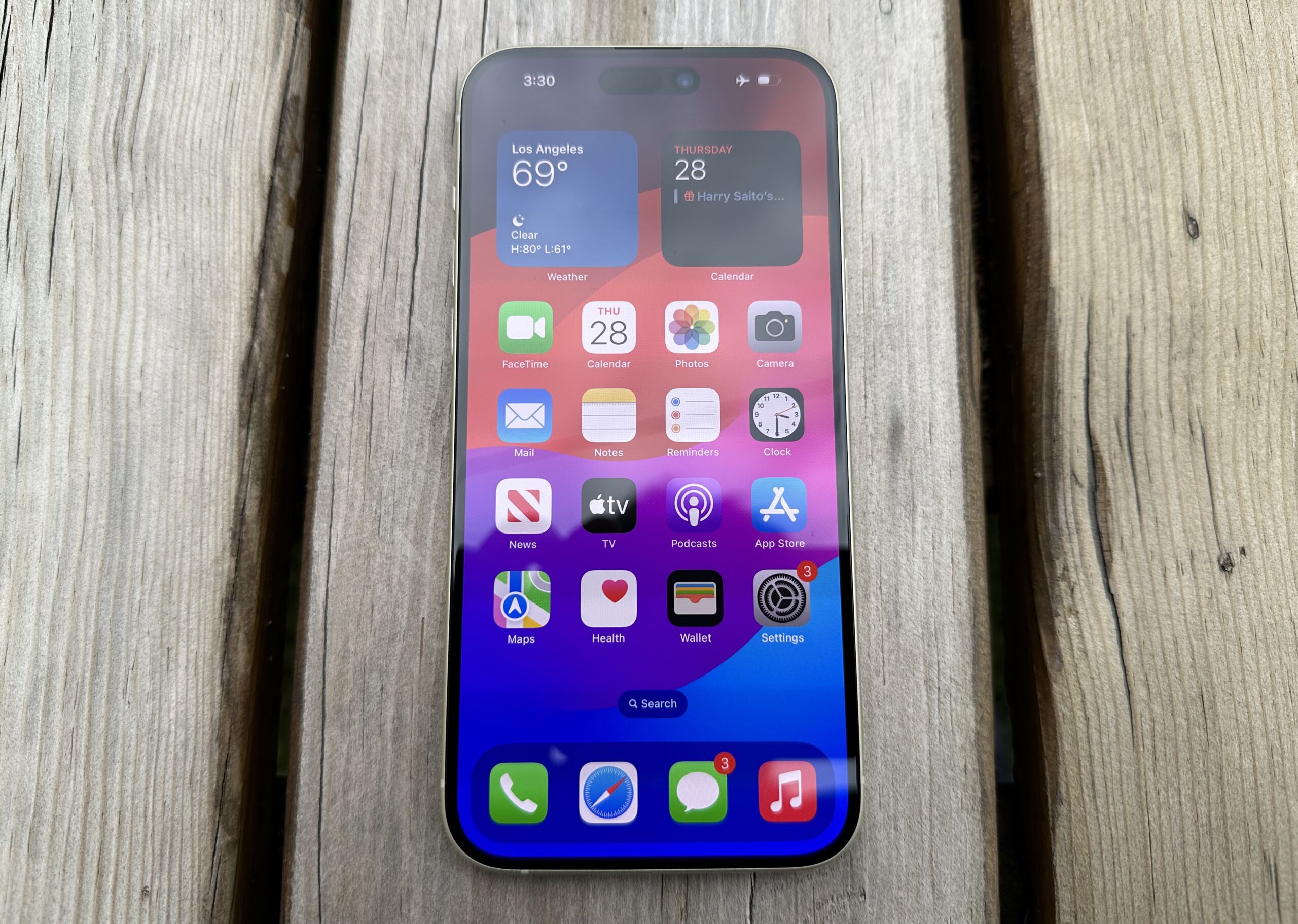
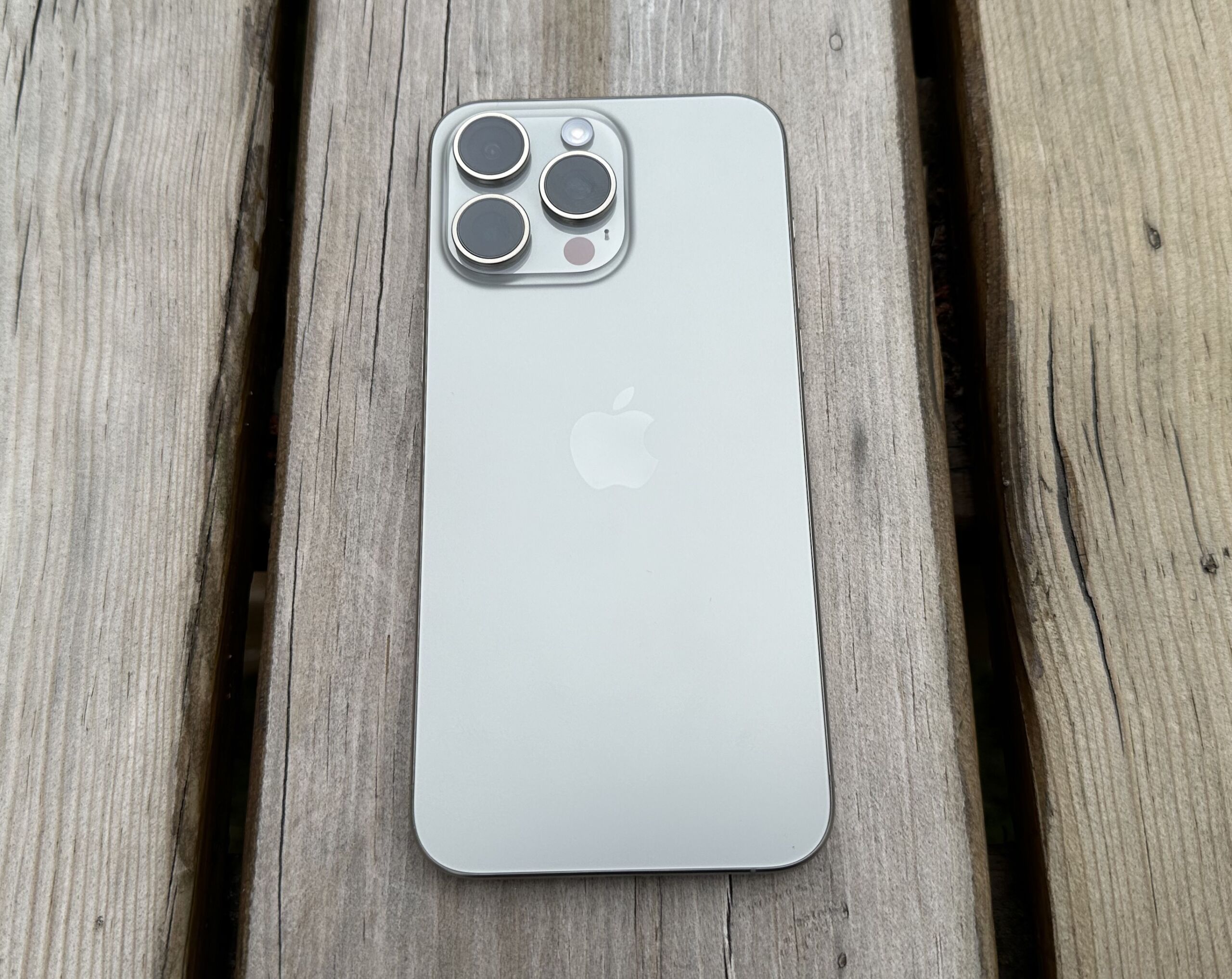
Enlarge/ The iPhone 15 is part of Apple’s self-repair program now.
Samuel Axon
Apple today expanded the Self Service Repair program it launched in April to include access to Apple’s diagnostics tool online and the iPhone 15 series and M2 Macs.
The online tool, Apple said in today’s announcement, provides “the same ability as Apple Authorized Service Providers and Independent Repair Providers to test devices for optimal part functionality and performance, as well as identify which parts may need repair.” The troubleshooting tool is only available in the US and will hit Europe in 2024, according to Apple.
Upon visiting the tool’s website, you’ll be prompted to put your device in diagnostic mode before entering the device’s serial number. Then, you’ll have access to a diagnostic suite, including things like a mobile resource inspector for checking software and validating components’ presence, testing for audio output and “display pixel anomalies,” and tests for cameras and Face ID.
Apple’s support page says the tests may “help isolate issues, investigate whether a part needs to be replaced, or verify that a repair has been successfully completed.”
The tool requires iOS 17.0 or macOS Sonoma 14.1 and later.
Apple’s Self Service Repair program relies on parts pairing, though, and critics say this limits the tools’ effectiveness. Self-repair activist iFixit has been vocal about its disagreement with Apple’s use of the practice since the tech giant launched its self-repair program. iFixit has argued that parts serialization limits the usage of third-party parts. In September, iFixit CEO Kyle Wiens called parts pairing “a serious threat to our ability to fix the things we own,” noting that Apple may be seeking to strong-arm a favorable customer experience but that it’s costing us the environment and “ownership rights.”
In a statement to Ars Technica today, Wiens expressed further disappointment with Apple’s parts serialization:
Apple still has a long way to go to create a robust repair ecosystem, including ending their repair-hostile parts pairing system. This software tool clearly illuminates the problems we’ve identified with parts pairing, where the diagnostic tool fails to recognize the ambient light sensor in a new part we’ve installed.
Users of Apple M2-based MacBook Pro and MacBook Air laptops, as well as the Mac Mini, Pro, and Studio, are now all included in the program, which gives customers access to tools, parts, and manuals previously only accessible by Apple and authorized repair partners. Customers can also rent tool repair kits, although they, too, have been criticized for their bulkiness and limited rental period.
Since launching its repair program, though, Apple has made a turnabout with user repairability, even if it’s still flawed. With the latest additions, Apple’s program now supports 35 products. The company has also become an unexpected proponent for state and national right-to-repair bills. And it’s simplified repairs via its Self Service Repair program— somewhat—by no longer requiring fixers to call Apple upon repair completions. People can instead verify repairs and update firmware with the System Configuration post-repair software tool. Today, Apple also announced bringing the program to 24 new European countries, bringing the program’s total to 33 countries.
Apple still says its repair program is best reserved for people who are experienced with electronics repairs.
Today, Apple pushed out the public releases of iOS 17.2, iPadOS 17.2, macOS Sonoma 14.2, watchOS 10.2, and tvOS 17.2.
iOS 17.2 and iPadOS 17.2’s flagship feature is the new Journal app, which Apple teased when it first introduced iOS 17 earlier. The app mimics several existing popular journaling apps in the App Store from third-party developers but leverages data from your Photos, workouts, and other Apple apps to make journaling suggestions.
Other features include the ability to tap a “catch-up arrow” to scroll to the first missed message in a conversation in Messages, the ability to take spatial video photos for later viewing on Vision Pro, and several tweaks and additions to the Weather app.
FURTHER READING
Apple exec departure leads to major iPhone, Apple Watch reshuffleThere are a few iPhone 15 Pro and iPhone 15 Pro Max-specific updates, too: The Translate app is now one of the main supported mappings for the Action button, and Apple says there have been improvements to the telephoto camera focusing speed in some situations.
There are still a couple of iOS features that were initially promised for the iOS 17 cycle that haven’t yet materialized: AirPlay for hotel room TVs and collaborative playlists in Apple Music. Those features will arrive sometime in 2024.
As is so often the case now, the latest macOS update (14.2) is comparatively modest. macOS gets some of the same tweaks to Messages and Weather. Additionally, “Enhanced AutoFill identifies fields in PDFs and other forms enabling you to populate them with information such as names and addresses from your contacts.”Advertisement
We’ve included Apple’s full release notes for its major operating system updates below.
iOS 17.2 release notes
Here are Apple’s release notes for iOS 17.2:
This update introduces Journal, an all-new way to reflect on life’s moments and preserve your memories. This release also includes Action button and Camera enhancements, as well as other features, bug fixes, and security updates for your iPhone.
Journal
Journal is a new app that lets you write about the small moments and big events in your life so you can practice gratitude and improve your wellbeing
Journaling suggestions make it easy to remember your experiences by intelligently grouping your outings, photos, workouts, and more into moments you can add to your journal
Filters let you quickly find bookmarked entries or show entries with attachments so you can revisit and reflect on key moments in your life
Scheduled notifications help you keep a consistent journaling practice by reminding you to write on the days and time you choose
Option to lock your journal using Touch ID or Face ID
iCloud sync keeps your journal entries safe and encrypted on iCloud
Action Button
Translate option for the Action button on iPhone 15 Pro and iPhone 15 Pro Max to quickly translate phrases or have a conversation with someone in another language
Camera
Spatial video lets you capture video on iPhone 15 Pro and iPhone 15 Pro Max so you can relive your memories in three dimensions on Apple Vision Pro
Improved Telephoto camera focusing speed when capturing small faraway objects on iPhone 15 Pro and iPhone 15 Pro Max
Messages
Catch-up arrow lets you easily jump to your first unread message in a conversation by tapping the arrow visible in the top-right corner
Add sticker option in the context menu lets you add a sticker directly to a bubble
Memoji updates include the ability to adjust the body shape of any Memoji
Contact Key Verification provides automatic alerts and Contact Verification Codes to help verify people facing extraordinary digital threats are messaging only with the people they intend
Weather
Precipitation amounts help you stay on top of rain and snow conditions for a given day over the next 10 days
New widgets let you choose from next-hour precipitation, daily forecast, sunrise and sunset times, and current conditions such as Air Quality, Feels Like, and wind speed
Wind map snapshot helps you quickly assess wind patterns and access the animated wind map overlay to prepare for forecasted wind conditions for the next 24 hours
Interactive moon calendar lets you easily visualize the phase of the moon on any day for the next month
This update also includes the following improvements and bug fixes:
Siri support for privately accessing and logging Health app data using your voice
AirDrop improvements including expanded contact sharing options and the ability to share boarding passes, movie tickets, and other eligible passes by bringing two iPhones together
Favorite Songs Playlist in Apple Music lets you quickly get back to the songs you mark as favorites
Use Listening History in Apple Music can be disabled in a Focus so music you listen to does not appear in Recently Played or influence your recommendations
A new Digital Clock Widget lets you quickly catch a glimpse of the time on your Home Screen and while in StandBy
Enhanced AutoFill identifies fields in PDFs and other forms enabling you to populate them with information such as names and addresses from your contacts
New keyboard layouts provide support for 8 Sámi languages
Sensitive Content Warning for stickers in Messages prevents you from being unexpectedly shown a sticker containing nudity
Qi2 charger support for all iPhone 13 models and iPhone 14 models
Fixes an issue that may prevent wireless charging in certain vehicles
Today, Apple pushed out the public releases of iOS 17.2, iPadOS 17.2, macOS Sonoma 14.2, watchOS 10.2, and tvOS 17.2.
iOS 17.2 and iPadOS 17.2’s flagship feature is the new Journal app, which Apple teased when it first introduced iOS 17 earlier. The app mimics several existing popular journaling apps in the App Store from third-party developers but leverages data from your Photos, workouts, and other Apple apps to make journaling suggestions.
Other features include the ability to tap a “catch-up arrow” to scroll to the first missed message in a conversation in Messages, the ability to take spatial video photos for later viewing on Vision Pro, and several tweaks and additions to the Weather app.
There are a few iPhone 15 Pro and iPhone 15 Pro Max-specific updates, too: The Translate app is now one of the main supported mappings for the Action button, and Apple says there have been improvements to the telephoto camera focusing speed in some situations.
There are still a couple of iOS features that were initially promised for the iOS 17 cycle that haven’t yet materialized: AirPlay for hotel room TVs and collaborative playlists in Apple Music. Those features will arrive sometime in 2024.
As is so often the case now, the latest macOS update (14.2) is comparatively modest. macOS gets some of the same tweaks to Messages and Weather. Additionally, “Enhanced AutoFill identifies fields in PDFs and other forms enabling you to populate them with information such as names and addresses from your contacts.”
We’ve included Apple’s full release notes for its major operating system updates below.
iOS 17.2 release notes
Here are Apple’s release notes for iOS 17.2:
This update introduces Journal, an all-new way to reflect on life’s moments and preserve your memories. This release also includes Action button and Camera enhancements, as well as other features, bug fixes, and security updates for your iPhone.
Journal
Journal is a new app that lets you write about the small moments and big events in your life so you can practice gratitude and improve your wellbeing
Journaling suggestions make it easy to remember your experiences by intelligently grouping your outings, photos, workouts, and more into moments you can add to your journal
Filters let you quickly find bookmarked entries or show entries with attachments so you can revisit and reflect on key moments in your life
Scheduled notifications help you keep a consistent journaling practice by reminding you to write on the days and time you choose
Option to lock your journal using Touch ID or Face ID
iCloud sync keeps your journal entries safe and encrypted on iCloud
Action Button
Translate option for the Action button on iPhone 15 Pro and iPhone 15 Pro Max to quickly translate phrases or have a conversation with someone in another language
Camera
Spatial video lets you capture video on iPhone 15 Pro and iPhone 15 Pro Max so you can relive your memories in three dimensions on Apple Vision Pro
Improved Telephoto camera focusing speed when capturing small faraway objects on iPhone 15 Pro and iPhone 15 Pro Max
Messages
Catch-up arrow lets you easily jump to your first unread message in a conversation by tapping the arrow visible in the top-right corner
Add sticker option in the context menu lets you add a sticker directly to a bubble
Memoji updates include the ability to adjust the body shape of any Memoji
Contact Key Verification provides automatic alerts and Contact Verification Codes to help verify people facing extraordinary digital threats are messaging only with the people they intend
Weather
Precipitation amounts help you stay on top of rain and snow conditions for a given day over the next 10 days
New widgets let you choose from next-hour precipitation, daily forecast, sunrise and sunset times, and current conditions such as Air Quality, Feels Like, and wind speed
Wind map snapshot helps you quickly assess wind patterns and access the animated wind map overlay to prepare for forecasted wind conditions for the next 24 hours
Interactive moon calendar lets you easily visualize the phase of the moon on any day for the next month
This update also includes the following improvements and bug fixes:
Siri support for privately accessing and logging Health app data using your voice
AirDrop improvements including expanded contact sharing options and the ability to share boarding passes, movie tickets, and other eligible passes by bringing two iPhones together
Favorite Songs Playlist in Apple Music lets you quickly get back to the songs you mark as favorites
Use Listening History in Apple Music can be disabled in a Focus so music you listen to does not appear in Recently Played or influence your recommendations
A new Digital Clock Widget lets you quickly catch a glimpse of the time on your Home Screen and while in StandBy
Enhanced AutoFill identifies fields in PDFs and other forms enabling you to populate them with information such as names and addresses from your contacts
New keyboard layouts provide support for 8 Sámi languages
Sensitive Content Warning for stickers in Messages prevents you from being unexpectedly shown a sticker containing nudity
Qi2 charger support for all iPhone 13 models and iPhone 14 models
Fixes an issue that may prevent wireless charging in certain vehicles
Beeper desktop users received a message from co-founder Eric Migicovsky late on Friday afternoon, noting an “iMessage outage” and that “messages are failing to send and receive.” Reports had started piling up on Reddit around 2: 30 pm Eastern. As of 5: 30 pm, both Beeper Cloud on desktop and the Beeper Mini app were reporting errors in sending and receiving messages, with “Failed to lookup on sever: lookup request timed out.” Comments on Beeper’s status post on X (formerly Twitter) suggested mixed results, at best, among users.
The Verge, messaging with Migicovsky, reported that he “did not deny that Apple has successfully blocked Beeper Mini”; to TechCrunch, Migicovsky more clearly stated about an Apple cut-off: “Yes, all data indicates that.” To both outlets, Migicovsky offered the same comment, re-iterating his belief that it was in the best interests of Apple to let iPhone owners and Android users send encrypted messages to one another. (Ars reached out to Migicovsky for comment and will update this post with new information).
On Saturday, Migicovsky notified Beeper Cloud (desktop) users that iMessage was working again for them, after a long night of fixes. “Work continues on Beeper Mini,” Migicovsky wrote shortly after noon Eastern time.
Responding to a post on X (formerly Twitter) asking if restoring Beeper Mini’s function would be an “endless cat and mouse game,” Migicovsky wrote: “Beeper Cloud and Mini are apps that need to exist. We have built it. We will keep it working. We will share it widely.” He added that such an attitude, “especially from people in the tech world,” surprised him. “Why do hard things at all? Why keep working on anything that doesn’t work the first time?“
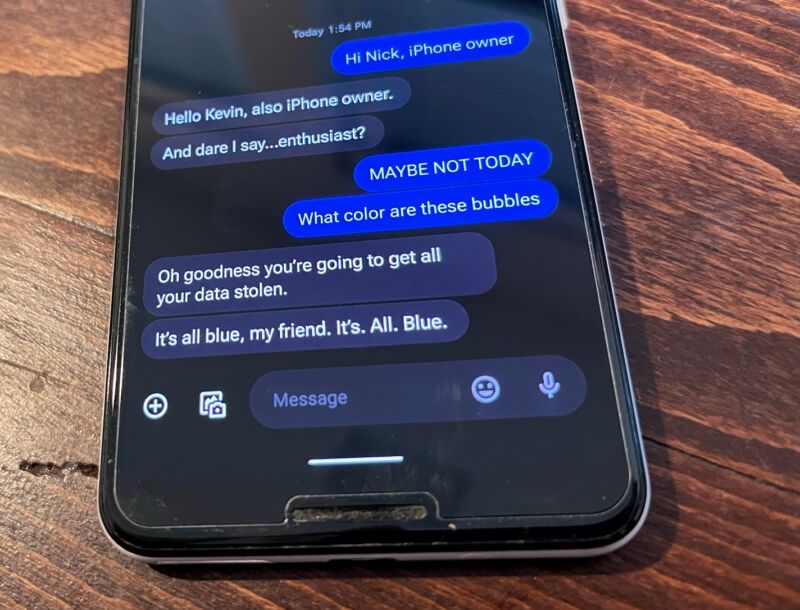
Beeper, as it worked shortly before launch on Dec. 5, sending iMessages from a Google Pixel 3 Android phone.
Kevin Purdy
Beeper’s ability to send encrypted iMessages from Android phones grew from a teenager’s reverse-engineering of the iMessage protocol, as Ars detailed at launch. The app could not read message contents (nor could Apple), kept encryption keys and contacts on your device, and did not require an Apple ID to authenticate.
The app did, however, send a text message from a device to an Apple server, and the response was used to generate an encryption key pair, one for Apple and one for your device. A Beeper service kept itself connected to Apple’s servers to notify it and you about new messages. Reddit user moptop and others suggested that Beeper’s service used encryption algorithms whose keys were spoofed to look like they came from a Mac Mini running OS X Mountain Lion, perhaps providing Apple a means of pinpointing and block them.
Members of the Discord focused on the original reverse-engineered tool on which Beeper Mini was built, PyPush, also reported that the tool was down Friday evening. Some noted that it seemed like their phone numbers had additionally been de-registered from iMessage.
Beeper Mini’s iMessage capabilities, for which the company was planning to charge $1.99 per month after a seven-day trial, were more than a feature. The company had planned to build additional secure messaging into Beeper Mini, including Signal and WhatsApp messaging, and make it the primary focus of its efforts. Its prior app Beeper, temporarily renamed Beeper Cloud, was marked to be deprecated at some point in favor of the new iMessage-touting Mini app.
This post was updated at 12: 50 p.m. on Saturday, Dec. 9, to reflect restored function to Beeper Cloud (desktop), and Migicovsky’s social media response after the outage.
According to a report in Bloomberg, Tang Tan, vice president of Product Design, is leaving Apple, and his departure heralds a shuffle of executives heading up some of the company’s most important products.
Sometimes, you might wonder just how much a specific executive influences the grand scheme of things, but the report claims that people within Apple see Tan’s departure as “a blow,” clarifying that he “made critical decisions about Apple’s most important products.” His team reportedly had “tight control” over the look and functionality of those products.
Tan oversaw major aspects of iPhone and Apple Watch design, and he was the executive overseeing accessories and AirPods, as well. He reported to John Ternus, Apple’s senior vice president of Hardware Engineering, who is likely a more widely known name.
Richard Dinh, “Tan’s top lieutenant and head of iPhone product design,” will report directly to Ternus and take on some of Tan’s duties, while Kate Bergeron, previously involved in Mac hardware engineering, will take on the Apple Watch.
Apple has seen several executive departures from its product design and engineering groups recently, so many aspects of upcoming iPhones and other products will be designed with new eyes and perhaps new sensibilities, though what that might lead to remains to be seen.
Apple recently shifted the iPhone from the company’s proprietary Lightning port to a more standard USB-C, and it changed the materials for its Pro line of phones. Despite tweaks like that, the iPhone’s design and functionality has not changed significantly in the past five or so years.
The iPhone 16 line in 2024 is expected to shake things up a little more, at least regarding the phone’s look and feel. Rumors have suggested that the new phones may have larger screens (and bigger chassis overall) and perhaps haptic buttons instead of the current physical buttons. Other changes could be in store, and Apple’s plans are likely not yet finalized.
The recently released VisionOS Beta 6 contains a video showing how users will scan their face to create their avatar using the Vision Pro cameras. Perhaps more interestingly, the video shows that Apple plans to use the external display for more than just showing the user’s eyes through the headset.
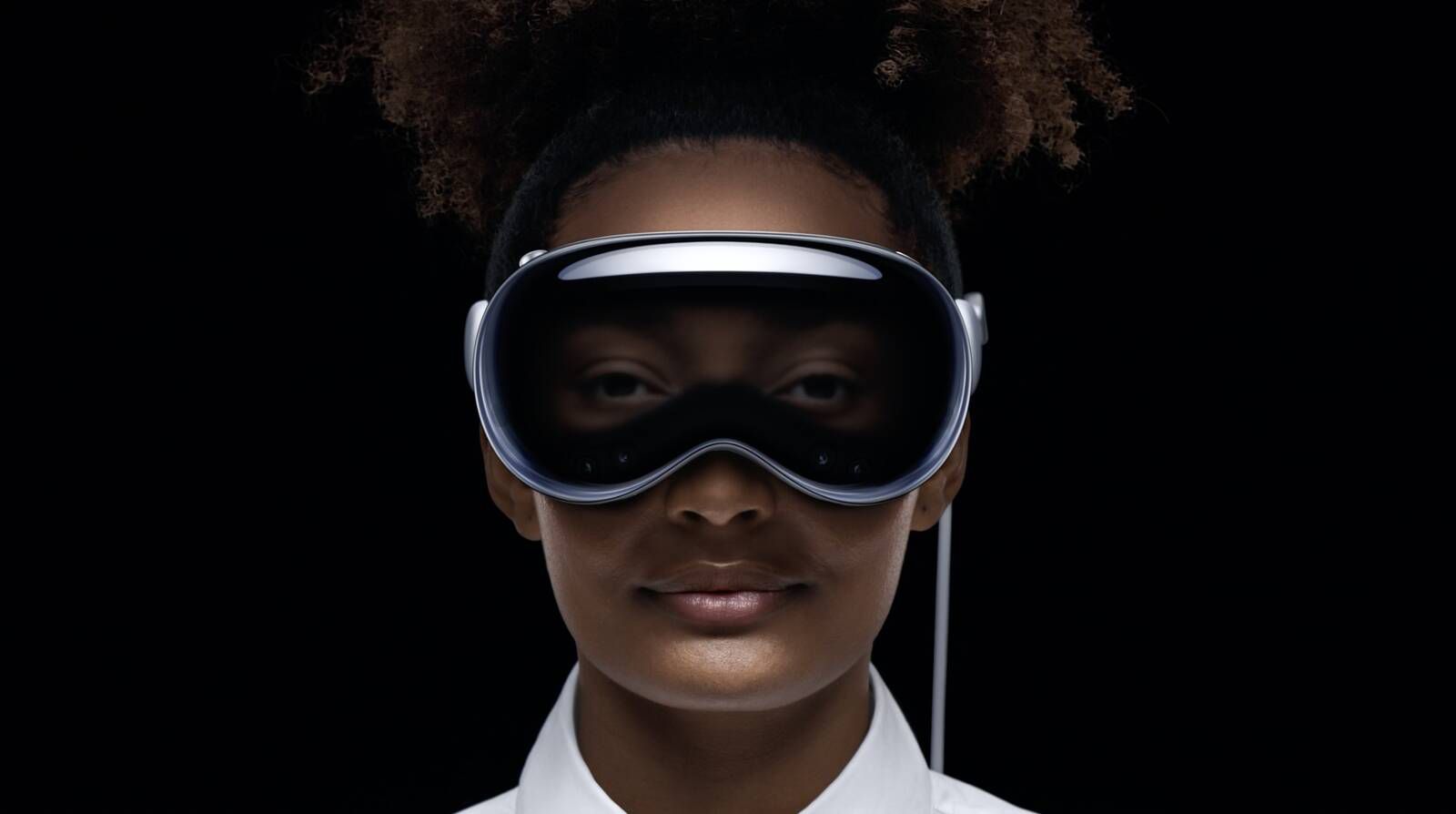
Probably the most unexpected thing about the Apple Vision Pro reveal is the headset’s external display. This is something that no commercial XR headset has shipped with to date. Apple calls this the EyeSight display, because its primary function is to show the wearers eyes ‘through’ the headset, so people nearby can tell if the wearer is looking at them or if they’re fully immersed and unable to see.
Image courtesy Apple
Technically, the EyeSight display isn’t actually showing the user’s real face. It’s actually projecting a view of their Vision Pro avatar (or ‘Persona’ as Apple calls them). Apple masks this fact with a stereoscopic display and some clever blurring and coloring effects to hide the limited resolution and quality of the avatar.
To generate the avatar, users will use the headset’s own cameras to capture multiple views of their face. The exact procedure was found in the files of the VisionOS Beta 6 which developers can get access to.
New video tutorial showing Persona Enrollment for Apple Vision Pro added in visionOS beta 6!
In the video we see a pretty quick and easy process which employs the headset’s external display as a sort of step-by-step guide through the process.
The scanning process is interesting in itself, but perhaps more interesting is the way Apple is thoughtfully using the external display to help guide user.
It seems likely that Apple will leverage the display for more than just showing the user’s eyes and guiding them through the scanning process, which opens a bunch of interesting doors.
For one, the display could be used to let the headset communicate in other ways to the user when it isn’t being worn. For instance, it could light up green to indicate an incoming FaceTime call; Or blue to tell the user that a large download has finished; or red to indicate that it’s low on battery and should be plugged in.
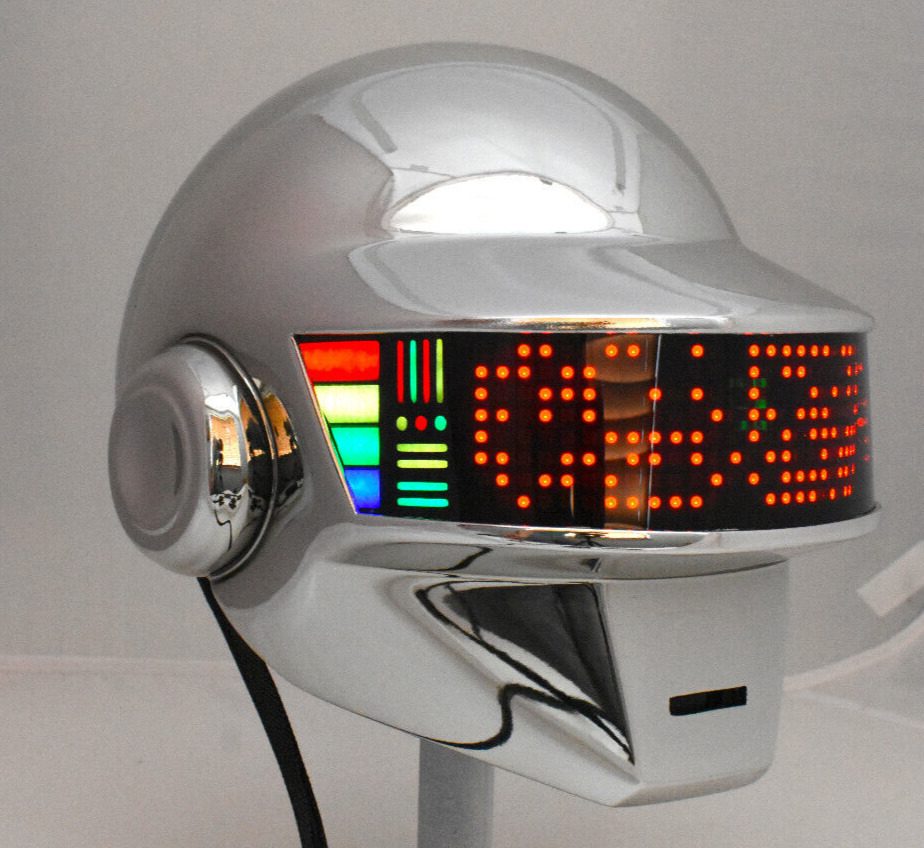
While there’s nothing stopping Apple from literally just putting text on the display and going full Daft Punk, the company seems to be thinking of the external display as something a bit more organic and magical than a readout of how many emails are waiting for you or how many calls you missed.
Can you think of any other interesting use-cases for the headset’s external display? I’d love to hear more ideas in the comments below!
Apple is adding two new locations to its Vision Pro ‘Developer Labs so devs can get their hands on the headset before it launches early next year.
It might not feel like it but 2024 will be here before we know it, and Apple has recently said it’s on track to launch Vision Pro “early” next year.
To get developers’ hands on Vision Pro launches, Apple has a handful of ‘Developer Labs’ where developers can go to check out the device and get feedback on their apps. Today the company announced it’s opening two more locations: New York City, USA and Sydney Australia.
Even with the two new locations, Vision Pro Developer Labs are still pretty sparce, but here’s the full list to date:
Cupertino, CA, USA
London, England, UK
Munich, Germany
Shanghai, China
Tokyo, Japan
New York City, USA
Sydney, Australia
Singapore
Apple is also offering developers ‘compatibility evaluations’ where the company will test third-party Vision Pro apps and provide feedback. The company is also giving select developers access to Vision Pro development kits.
Vision Pro is Apple’s first-ever XR headset and it’s sure going to shake up the industry one way or another, perhaps starting with the way the company is approaching ‘social’ in XR.
As a leading social media company, it seemed like Meta would be in the best position to create a rich social experience on its XR headsets. But after almost a decade of building XR platforms, interacting with friends on Meta’s headsets is still a highly fragmented affair. With Vision Pro, Apple is taking a different approach—making apps social right out of the box.
Meta’s Social Strategy in a Nutshell
Horizon Worlds is the manifestation of Meta’s social XR strategy. A space where you and your friends can go to build or play novel virtual games and experiences. It’s the very beginnings of the company’s ‘metaverse’ concept: an unlimited virtual space where people can share new experiences and maybe make some new virtual friends along the way.
But if you step out of Horizon, the rest of the social experience on the Quest platform quite fragmented.
The most basic form of ‘social’ is just hanging out with people you already know, doing things you already know you like to do—like watching a movie, playing a board game, or listening to music. But doing any of that on Meta’s headsets means jumping through a fragmented landscape of different apps and different ways to actually get into the same space with your friends.
On Quest, some apps use their own invite system and some use Meta’s invite system (when it works, anyway). Some apps use your Meta avatar and some use their own. As far as the interfaces and how you get in the same place with your friends, it’s different from app to app to app. Some even have separate accounts and friends lists.
And let’s not forget, many apps on Quest aren’t social in the first place. You might have made an awesome piece of 3D art but have no way to show your friends except to figure out how to take a screenshot and get it off of your headset to send to their phone. Or you might want to watch a movie release, but you can only do it by yourself. Or maybe you want to sit back and listen to a new album…maybe you can dig through the Quest store to find an app that allows a shared browser experience so you can listen through YouTube with someone else?
Apple’s Approach to Social on Vision Pro
Image courtesy Apple
Apple is taking a fundamentally different approach with Vision Pro by making social the expectation rather than the rule, and providing a common set of tools and guidelines for developers to build from in order to make social feel cohesive across the platform. Apple’s vision isn’t about creating a server full of a virtual strangers and user-generated experiences, but to make it easy to share the stuff you already like to do with the people you already know.
This obviously leans into the company’s rich ecosystem of existing apps—and the social technologies the company has already battle-tested on its platforms.
SharePlay is the feature that’s already present on iOS and MacOS devices that lets people watch, listen, and experience apps together through FaceTime. And on Vision Pro, Apple intends to use its SharePlay tech to make many of its own first-party apps—like Apple TV, Apple Music, and Photos—social right out of the box, and it expects developers to do so too. In the company’s developer documentation, the company says it expects “most visionOS apps to support SharePlay.”
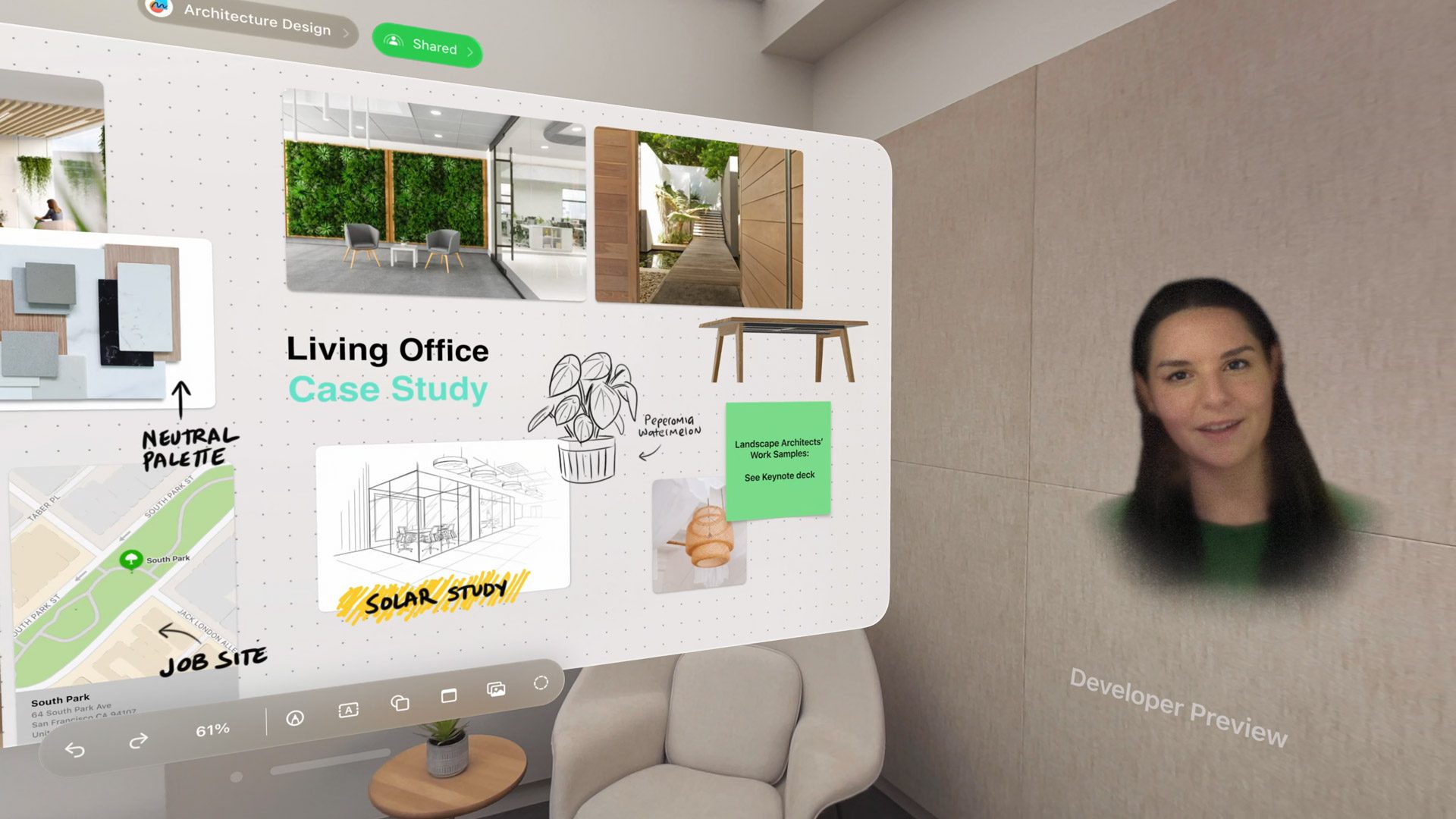
For one, SharePlay apps will support ‘Spatial Personas’ on Vision Pro (that’s what Apple calls its avatars which are generated from a scan of your face). That means SharePlay apps on the platform will share a common look for participants. Apple is also providing several pre-configured room layouts that are designed for specific content, so developers don’t need to think about where to place users and how to manage their movement (and to finally put an end to apps spawning people inside of each other).
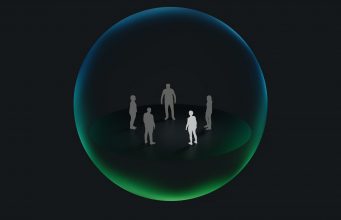
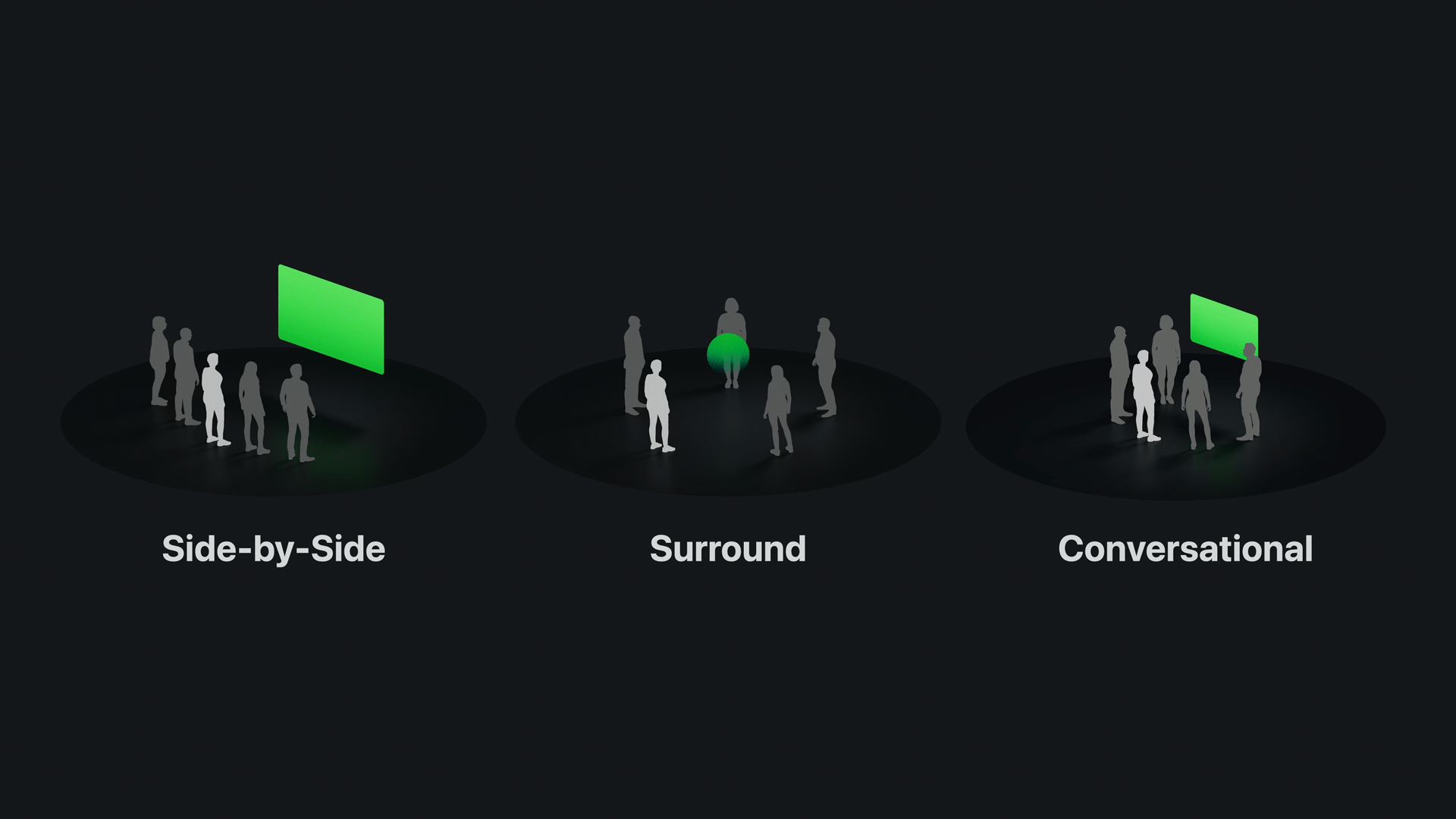
For instance, if a developer is building a movie-watching app, one of the templates puts all users side-by-side in front of a screen. But for a more interactive app where everyone is expected to actively collaborate there’s a template that puts users in a circle around a central point. Another template is based on presenting content to others, with some users close to the screen and others further away in a viewing position.
Image courtesy Apple
With SharePlay, Apple also provides the behind-the-scenes piping to keep apps synchronized between users, and it says the data shared between participants is “low-latency” and end-to-end encrypted. That means you can have fun with your friends and not be worried about anyone listening in.
People You Already Know, Things You Already Do
Perhaps most importantly, Apple is leaning on every user’s existing personal friend graph (ie: the people you already text, call, or email), rather than trying to create a bespoke friends list that lives only inside Vision Pro.
Rather than launching an app and then figuring out how to get your friends into it, with SharePlay Apple is focused on getting together with your friends first, then letting the group seamlessly move from one app to the next as you decide what you want to do.
Starting a group is as easy as making a FaceTime call to a friend whose number you already know. Then you’re already chatting virtually face-to-face before deciding what you want to do. In the mood for a movie? Launch Apple TV and fire up whatever you want to watch—your friend is still right there next to you. Now the movie is over; want to listen to some music while you discuss the plot? Fire up Spotify and put on the movie’s soundtrack to set the scene.
Social by Default
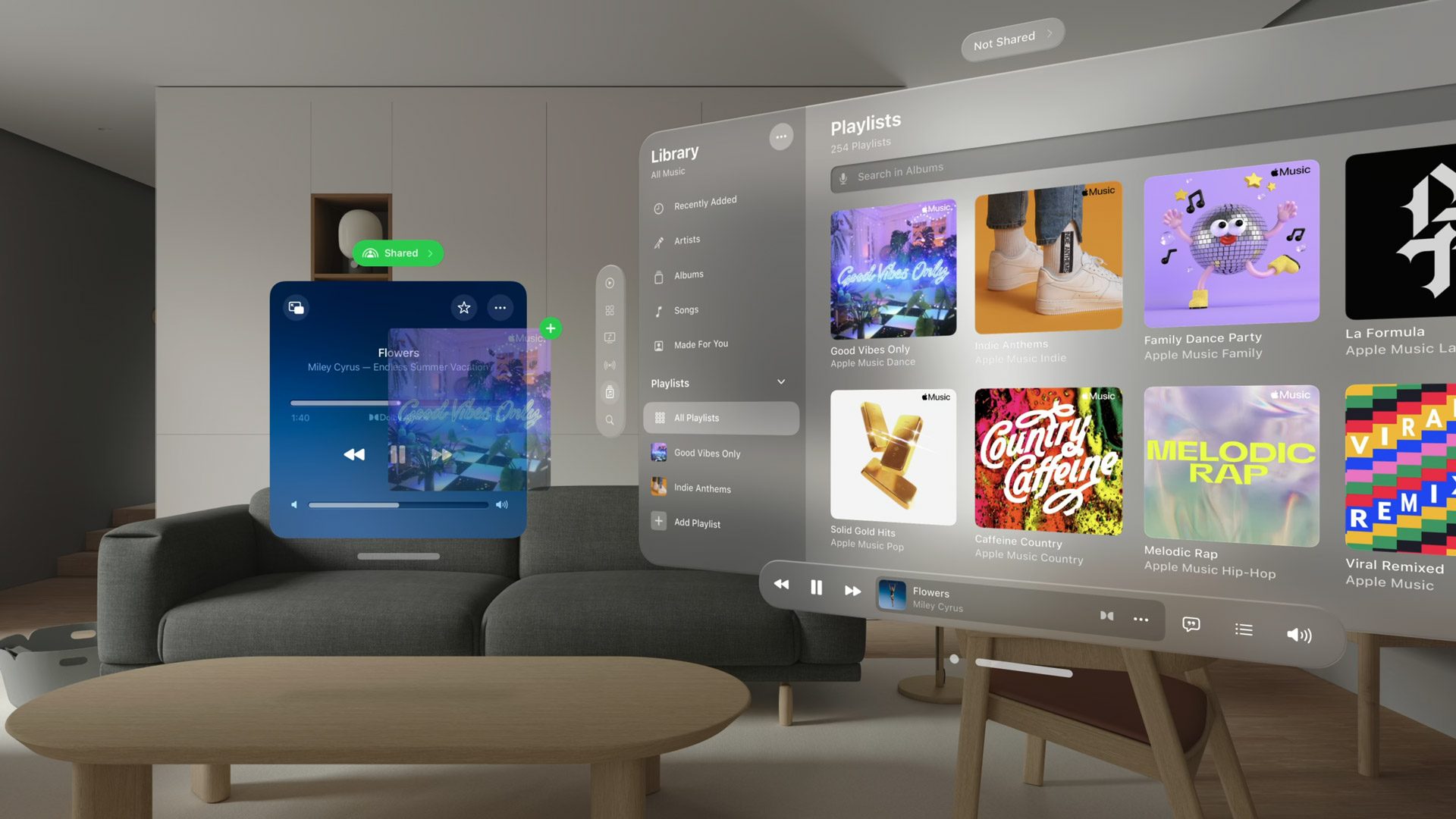
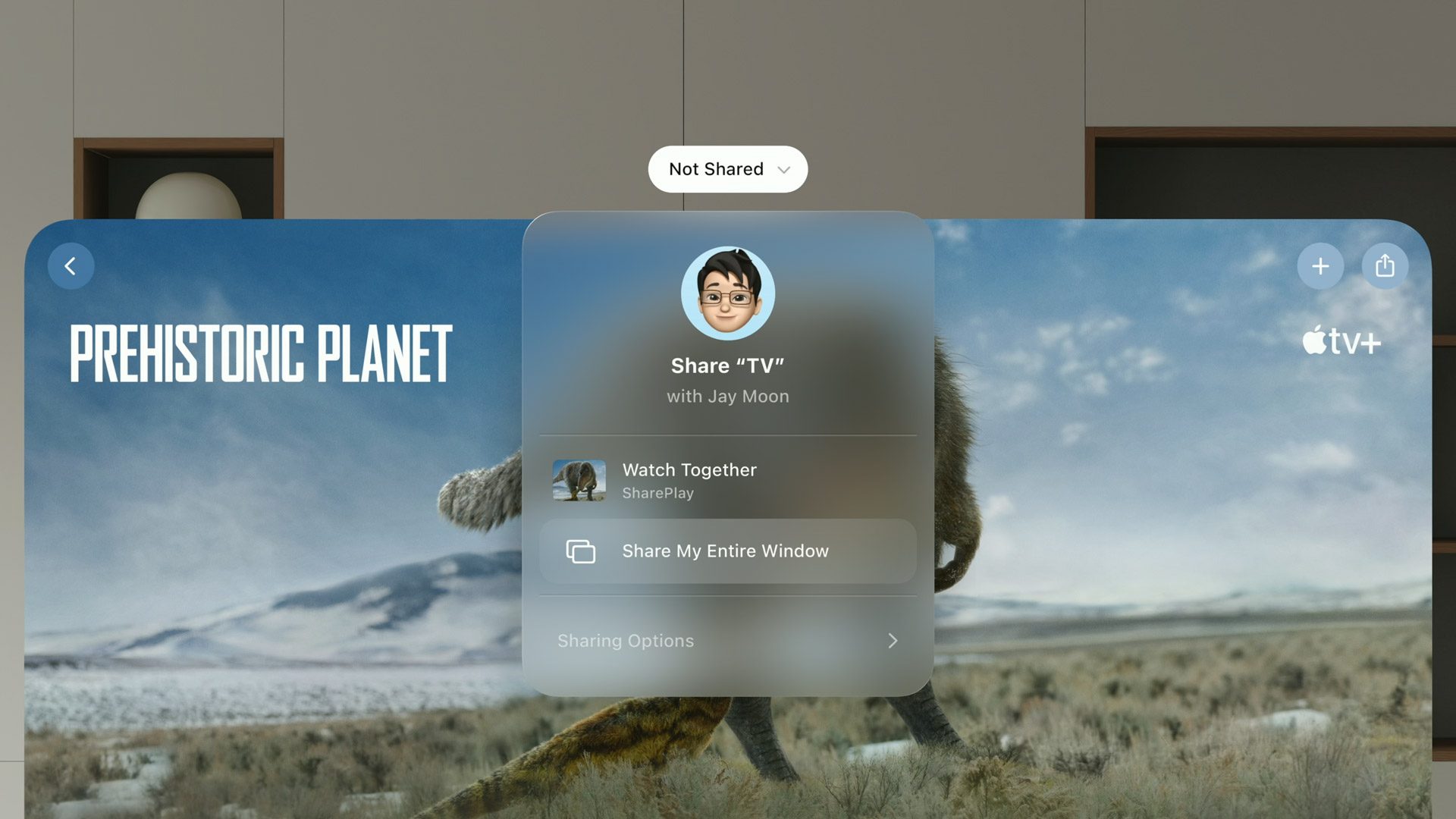
Even apps that don’t explicitly have multi-user experience built-in can be ‘social’ by default, by allowing one user to screen-share the app with others. Only the host will be able to interact with the content, but everyone else will be able to see and talk about it in real-time.
Image courtesy Apple
It’s the emphasis on ‘social by default’, ‘things you already do’, and ‘people you already know’ that will make social on Vision Pro feel completely different than what Meta is building on Quest with Horizon Worlds and its ecosystem of fragmented social apps.
Familiar Ideas
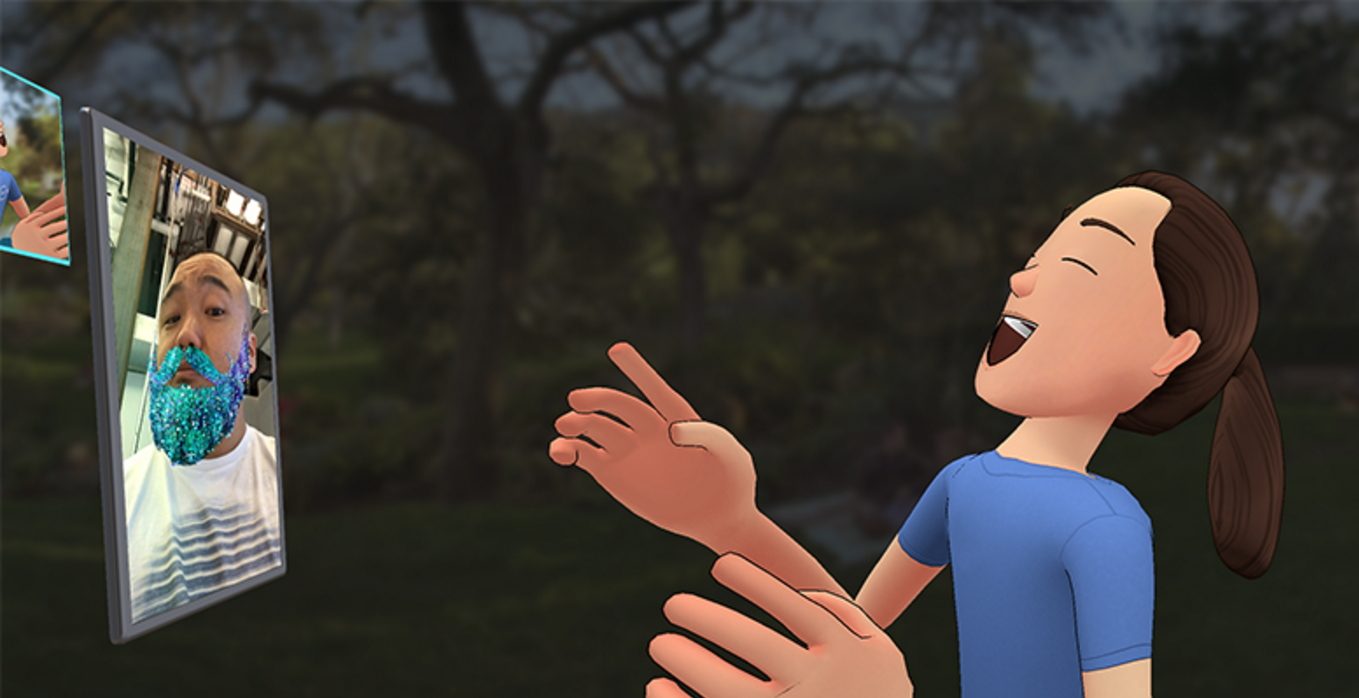
Ironically, Meta experimented with this very style of social XR years ago, and it was actually pretty good. Facebook Spaces was an early social XR effort which leveraged your existing friends on Facebook, and was focused on bringing people together in a template-style layout around their own photo and video content. You could even do a Messenger Video Chat with people outside of VR to make them part of the experience.
Image courtesy Facebook
Facebook Spaces was a eerily similar microcosm of what Apple is now doing across the Vision Pro platform. But as with many things on Quest, Meta didn’t have the follow-through to get Spaces from ‘good’ to ‘great’, nor the internal will to set a platform-wide expectation about how social should work on its headsets. The company shut down Spaces in 2019, but even at the time we thought there was much to learn from the effort.
Will Apple Succeed Where Meta Faltered?
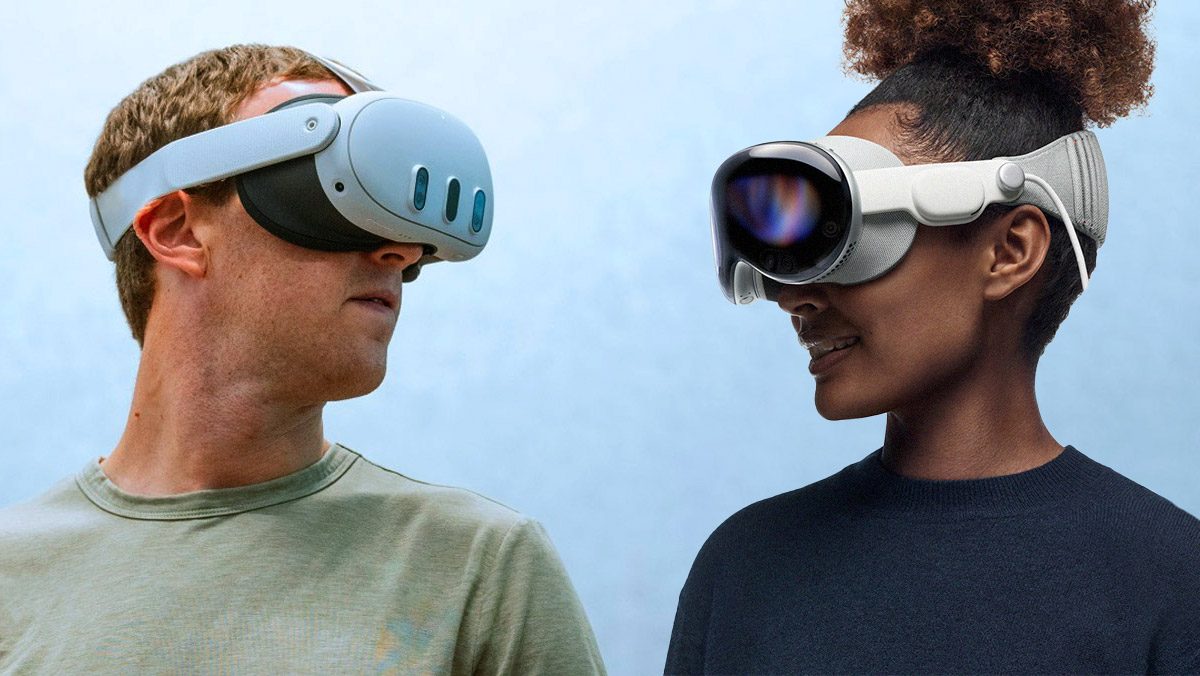
Quest 3 (left) and Apple Vision Pro (right) | Based on images courtesy Meta, Apple
Making basic flat apps social out of the box on Vision Pro will definitely make it easier for people to connect on the headset and ensure they can already do familiar things with friends. But certainly on Meta’s headsets the vast majority of ‘social’ is in discrete multiplayer gaming experiences.
And for that, it has to be pointed out that there’s big limitations to SharePlay’s capabilities on Vision Pro. While it looks like it will be great for doing ‘things you already do’ with ‘people you already know’, as a framework it certainly doesn’t comport to many of the multiplayer gaming experiences that people are doing on headsets today.
For one, SharePlay experiences on Vision Pro only support up to five people (probably due to the performance implications of rendering too many Spatial Personas).
Second, SharePlay templates seem like they’ll only support limited person-to-person interaction. Apple’s documentation is a little bit vague, but the company notes: “although the system can place Spatial Personas shoulder to shoulder and it supports shared gestures like a handshake or ‘high five,’ Spatial Personas remain apart.” That makes it sound like users won’t be able to have free-form navigation or do things like pass objects directly between each other.
And when it comes to fully immersive social experiences (ie: Rec Room) SharePlay probably isn’t the right call anyway. Many social VR experiences (like games) will want to be able to render different avatars that fit the aesthetic of the experience, and certainly more than five at once. They’ll also want more control over networking and how users can move and interact with each other. At that point, building on SharePlay might not make much sense, but we hope it can still be used to help with initial group formation and joining other immersive apps together.
With the early 2024 release of Vision Pro quickly approaching, Apple is steadily updating its products to prepare for the new headset.
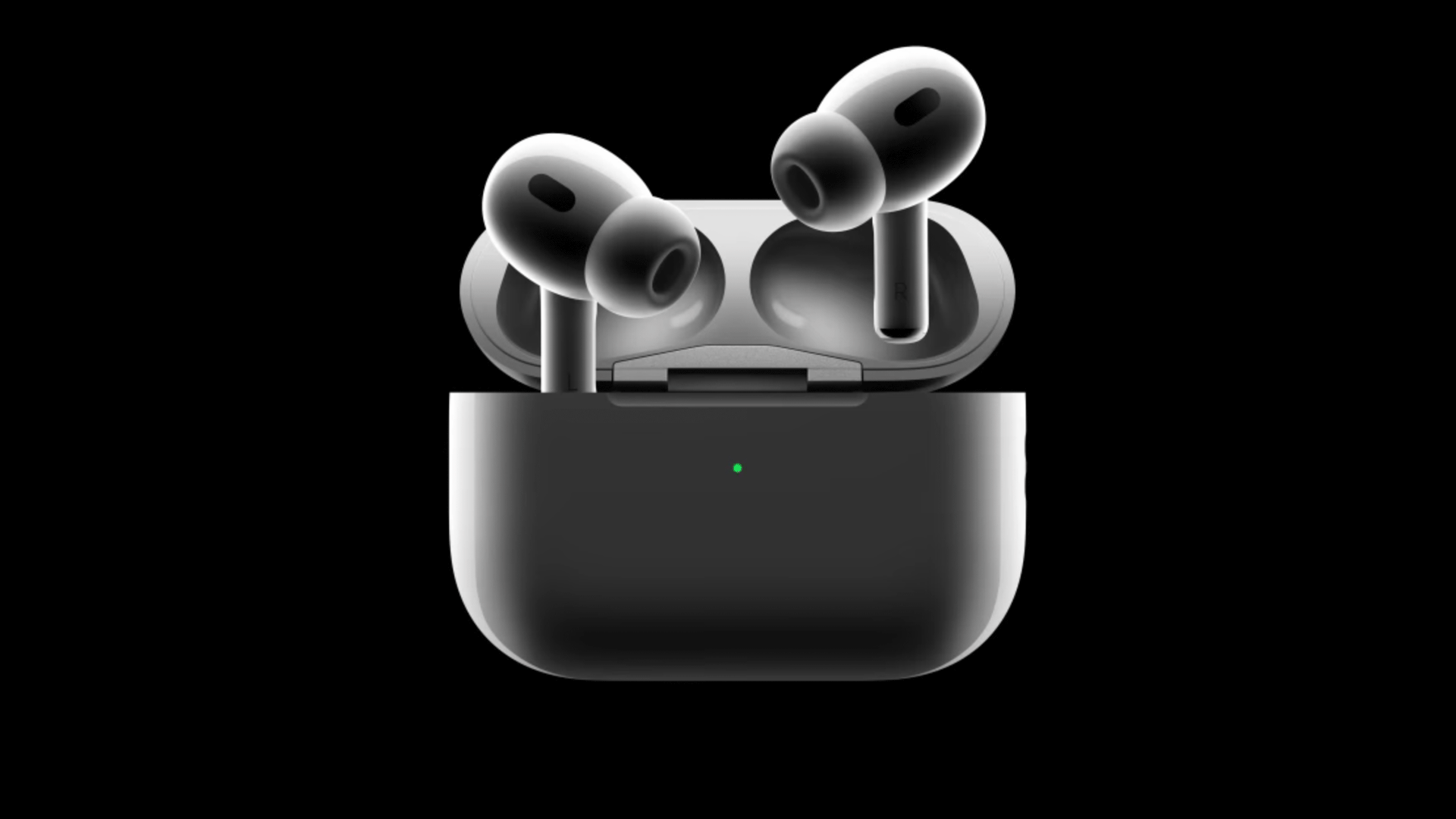
In addition to an upcoming spatial capture feature on iPhone 15 Pro, Apple also says its latest AirPods Pro wireless earbuds (2nd-gen, now with USB-C) will support lossless audio with ‘ultra-low latency’ to ensure that what you see and what you hear are closely synchronized for an immersive experience.
What Apple is calling a “groundbreaking wireless audio protocol” is powered by the H2 chip in the AirPods Pro 2 and Vision Pro. The specifics of the protocol haven’t been divulged, but the company says it will deliver 20-bit, 48 kHz lossless audio with a “massive reduction in audio latency.”
Image courtesy Apple
Low latency in XR is important because a headset’s visuals need to be as low latency as possible in order to keep users comfortable. Having audio that’s just as responsive (in order to keep sight and sounds in sync) sometimes comes at the cost of quality. The audio protocol Apple is now touting seems designed specifically to maintain lossless audio while also keeping latency as low as possible.
The AirPods Pro 2 have been out for a while, but when the company revealed its latest phones earlier this month with USB-C connectors for the first time, it also took the time to release the refreshed version of the Airpods Pro 2, now with USB-C as well.
This is also when we saw the first mention of the new low latency audio protocol; though considering that the original AirPods Pro 2 (with lightning connector) also has an H2 chip, we certainly hope it will also support the new protocol. As for the non-Pro version of AirPods—which only have an H1 chip—it isn’t clear if they will get support. We’ve reached out to Apple for more clarity on which devices will be supported.