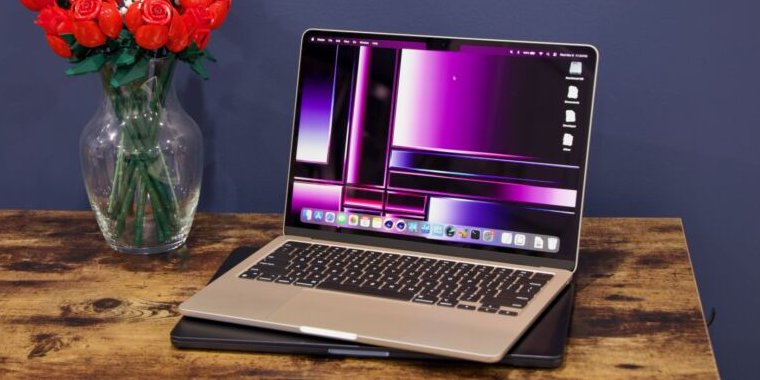
Review: Apple’s efficient M3 MacBook Airs are just about as good as laptops get
Air apparent —
For Intel or even M1 upgraders, there’s a lot to like about the M3 Air.
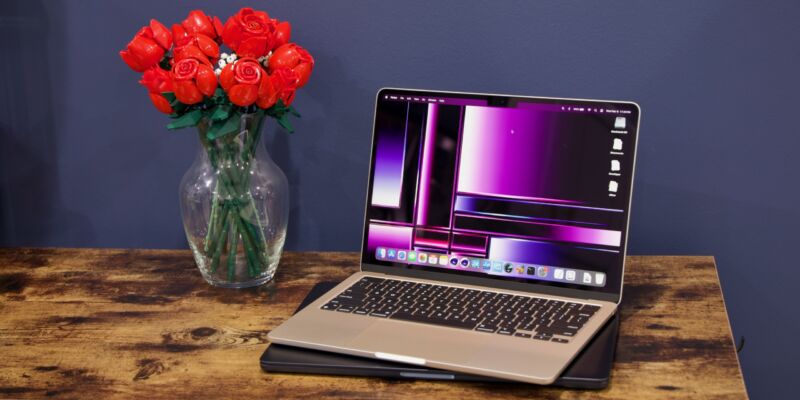
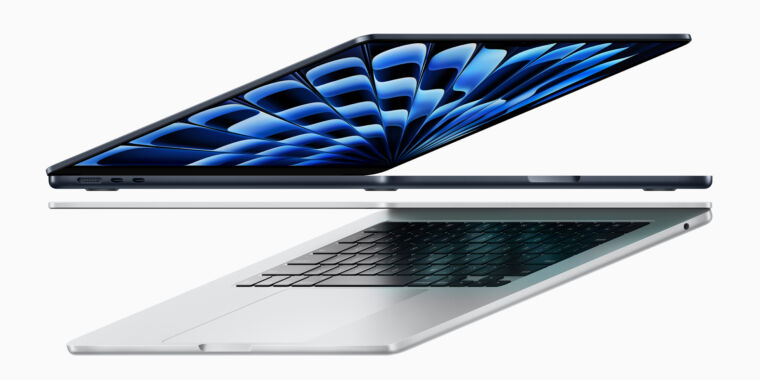
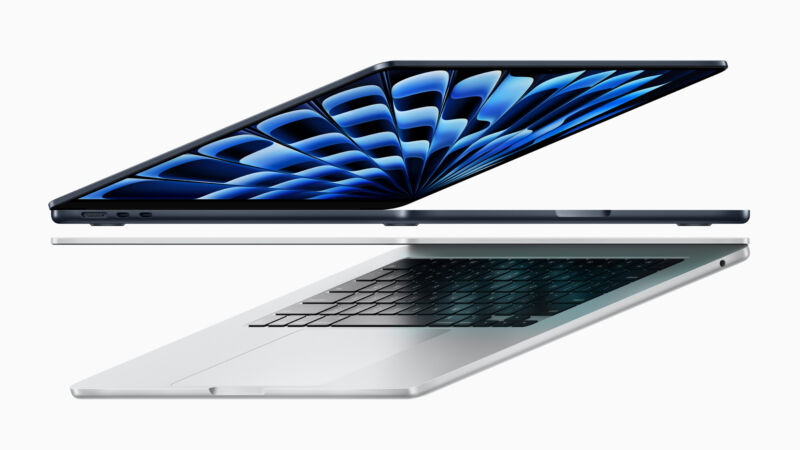
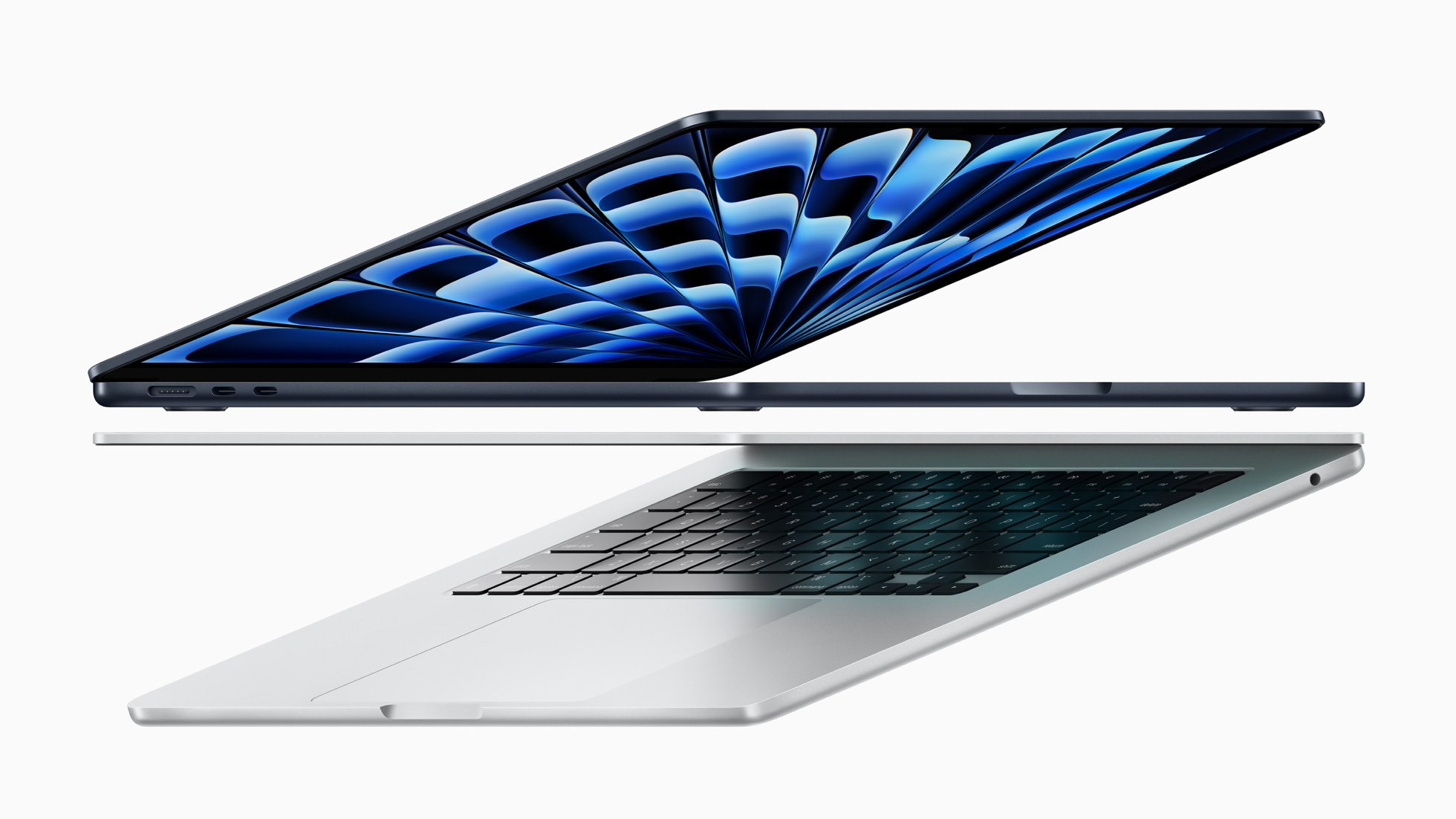
Enlarge / Apple’s M3 MacBook Airs put a new chip in 2022’s design.
Andrew Cunningham
Right off the bat, the M3 MacBook Airs aren’t as interesting as the M2 models.
July 2022’s M2 MacBook Air updated the design of the 13-inch laptop for the Apple Silicon era after the M1 Air’s external design played it safe. And the first-ever 15-inch MacBook Air, released over a year later, was an appealing option for people who wanted a larger screen but didn’t need the extra power or cost of a MacBook Pro. Together, they were a comprehensive rethink of Apple’s approach to its mainstream laptops, modeled after the similarly dramatic Apple Silicon MacBook Pro redesigns.
The M3 Airs don’t do any of that. They are laptop designs we’ve already seen, wrapped around a processor we’ve already seen. But they may end up being more important than the M2 Airs because of when they’re being released—as the last of the Intel Macs slowly age and break and Apple winds down software support for them (if not in this year’s macOS release, then almost certainly next year’s). Between the faster chip and a couple of other feature updates, the new machines may also be the first ones that are truly worth a look for M1 Air early adopters who want an upgrade.
Apple left us a scant 48 hours to test and use this laptop, but here’s what we’ve observed so far.
Does the design hold up?
-
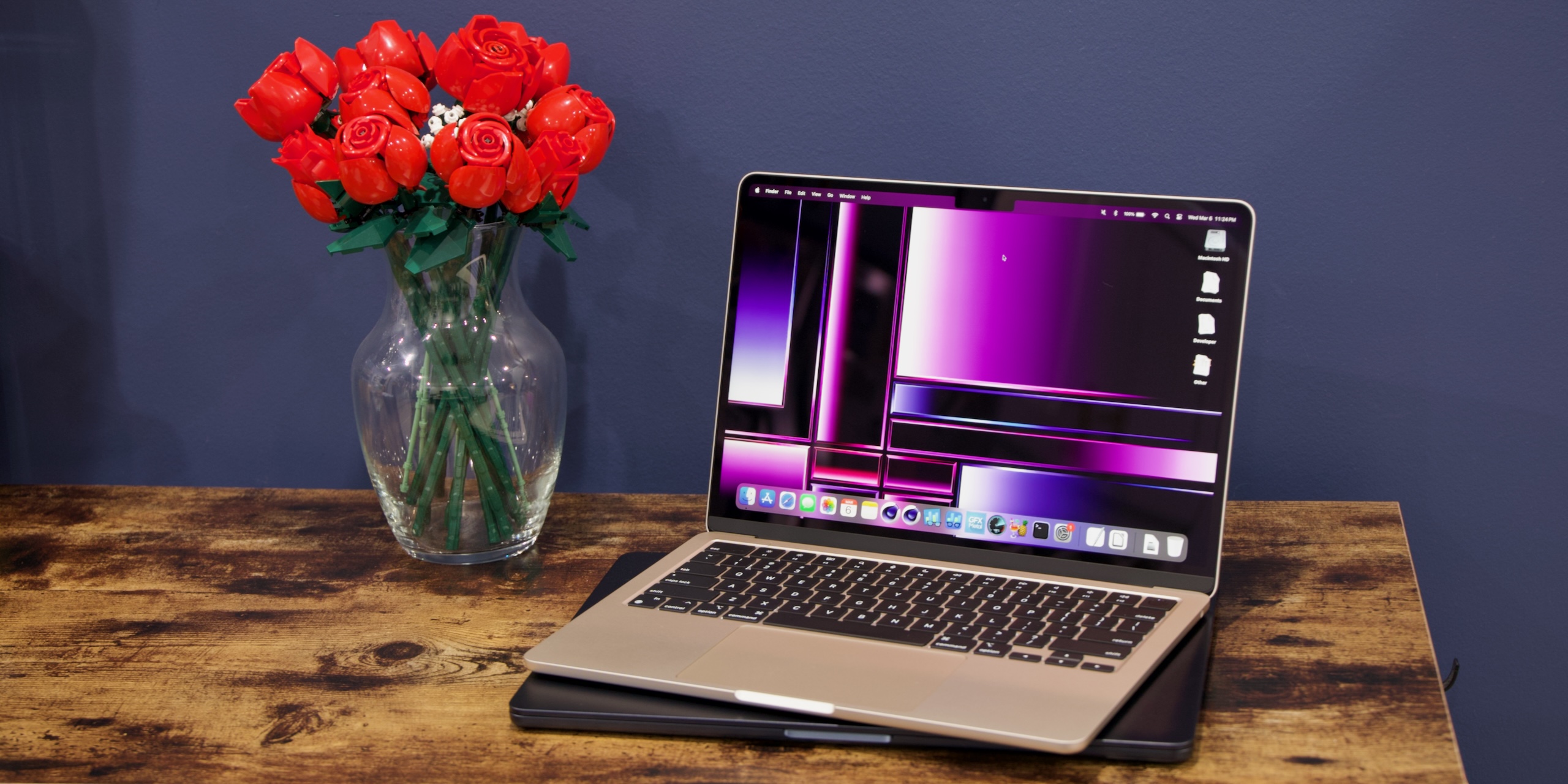
The 13- and 15-inch MacBook Airs. Same design, but the 15-inch Air has a bigger screen and trackpad and better speakers, while the 13-inch Air is smaller and lighter. Note both the fingerprints on the Midnight finish and how the notch can be either more or less visible based on your settings.
Andrew Cunningham
-
Air footprints compared: the 13-inch on top of the 15-inch.
Andrew Cunningham
The M1 MacBook Air is still the one I use most days, and anyone coming from a 2018–2020 Intel MacBook Air will be familiar with the design. So the M2/M3-era MacBook Air design is still striking to me, despite being the better part of two years old.
By and large, I think the newer design holds up pretty well; I don’t mind the loss of the taper, even if it makes the laptop look a bit more boxy and less sleek. The full-height function row and tweaked keyboard are both good, and I don’t generally have issues with trackpad palm rejection on either the 13- or 15-inch models. It’s nice to have MagSafe back, though in the end, I almost always charge the Air with one of the many USB-C chargers I have strategically tucked into most rooms in the house.
| Specs at a glance: Apple M3 MacBook Air (as reviewed) | ||
|---|---|---|
| Screen | 13.6-inch 2560×1664 IPS LCD | 15.3-inch 2880×1864 |
| OS | macOS 14.4 Sonoma | |
| CPU | Apple M3 (4 E-cores, 4 P-cores) | |
| RAM | 16GB unified memory | |
| GPU | Apple M3 (10 GPU cores) | |
| Storage | 512GB soldered SSD | |
| Battery | 52.6 WHr | 66.5 WHr |
| Networking | Wi-Fi 6E (802.11ax), Bluetooth 5.3 | |
| Ports | 2x Thunderbolt/USB4, MagSafe 3, headphones | |
| Size | 11.97×8.46×0.44 inches (304.1×215×113 mm) | 13.40×9.35×0.45 inches (340.4×237.6×115 mm) |
| Weight | 2.7 lbs (1.24 kg) | 3.3 lbs (1.51 kg) |
| Warranty | 1-year | |
| Price as reviewed | $1,499 | $1,699 |
| Other perks | 1080p webcam, TouchID | |
I’m also reminded anew of just how much I like the 15-inch MacBook Air as someone who likes a big screen but doesn’t use a laptop for much gaming or anything heavier than Photoshop or Lightroom (and I generally don’t care that much about high-refresh-rate displays). The combination of size and weight really is close to ideal, and though the 15-inch Air is unmistakably larger and heavier than the 13-inch model, the difference isn’t so large in daily use that I spend a lot of time thinking about it. The improved speaker setup is also nice to have when you’re playing music or using that bigger screen to watch something.
The biggest downside of the design remains the display notch. As we and others have noted multiple times, it’s not that you don’t get used to it, and in typical desktop use (especially in dark mode and with a dark wallpaper), you can often forget it’s there. But in the absence of FaceID or some major other functional addition, it feels like a lot of space to take up for not a lot of user-visible benefit.
Sure, a 1080p webcam instead of a 720p webcam is nice, but I would choose a notch-less screen with more usable space every time if given the choice. (The strips of screen to either side of the notch can only really display the macOS menu bar; go into the Control Center area of the Settings and change “automatically hide and show the Menu Bar’ to “Never” if you don’t want those strips of screen to go totally wasted in full-screen mode).
-
The Midnight finish as seen on a 15-inch MacBook Air, freshly cleaned and pristine.
Andrew Cunningham
-
This is what the laptop looked like before I cleaned it. I’ve had it for two days. You’ll definitely still see fingerprints.
Andrew Cunningham
One design change that Apple has highlighted for the M3 Airs is a new coating for the Midnight (read: blue-tinted black) version of the Air that is said to reduce its fingerprint-y-ness. Apple did the same thing for the M3 version of the MacBook Pro last year.
The new finish looks a shade or two lighter than the old Midnight coating and does show fingerprints a bit less. But “less” isn’t “none,” and my Air was immediately, visibly fingerprint-y and skin-oily, both on the lid and in the palm rest area. It remains more noticeable than on either the Starlight finish of the 13-inch M3 Air or the space gray finish on my M1 Air. Choose your color finish accordingly.
Review: Apple’s efficient M3 MacBook Airs are just about as good as laptops get Read More »