Desktop Survivors 98 is more than just a retro Windows nostalgia trip
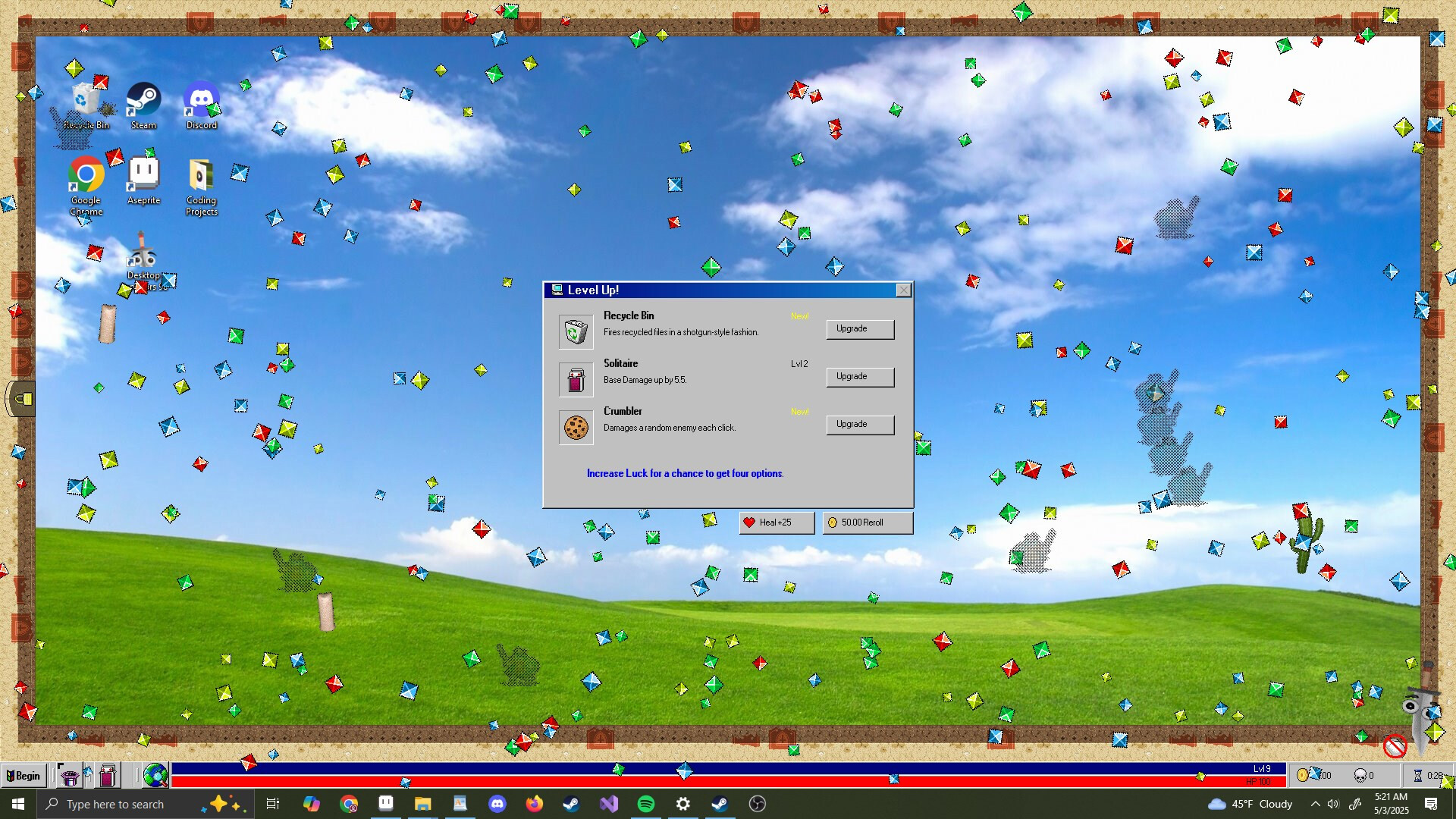
That blue bar sure does take me back…
That blue bar sure does take me back…
If that kind of nostalgia were all there was to Desktop Survivors 98, it would probably not be worth much more than a 15-minute demo. But the underlying game actually takes the developing Survivors-like genre in some interesting directions.
As usual for the genre, the gameplay here centers around navigating through throngs of encroaching enemies (and their projectiles), all while herding those enemies together so your auto-firing weapons can take them out. Defeated enemies drop gems that are crucial to gaining new weapons and powers that also lean heavily on nostalgic computing gags—I particularly liked one weapon based on the “flower box” screensaver and another based on the “bouncing cards” at the end of a successful Solitaire game.
Theming aside, the main element that sets Desktop Survivors apart from its predecessors in the genre is the mouse-based controls. Your old-school mouse pointer is your character here, meaning you get to precisely dodge and dart around the screen with all the speed and accuracy you’d expect from such a flexible input device.
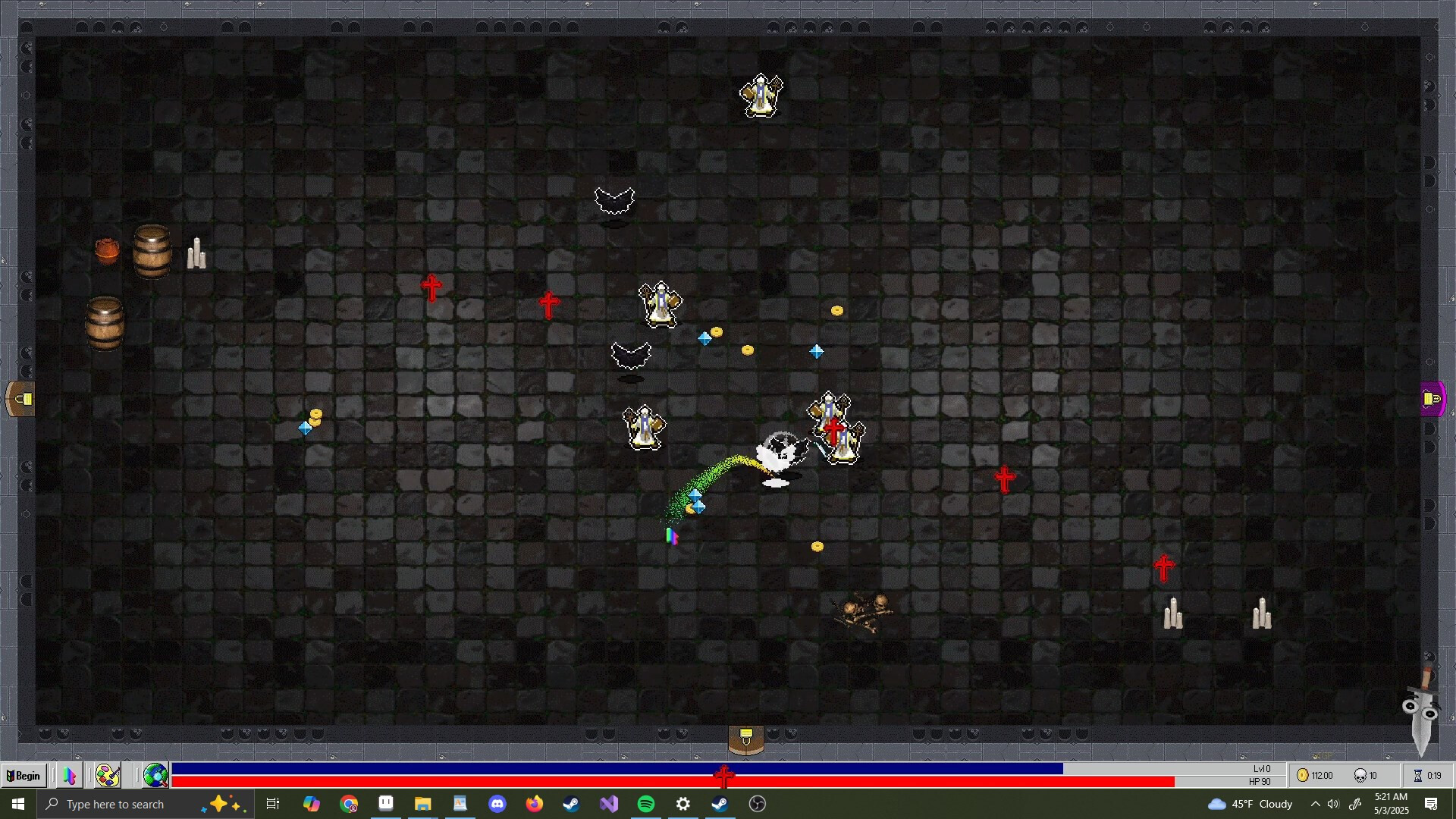
Once you move through these dungeons with a mouse, you won’t want to go back to a joystick.
Once you move through these dungeons with a mouse, you won’t want to go back to a joystick.
While there is a serviceable Steam Deck mode designed for analog stick-based movements, it’s a hard control paradigm to return to after experiencing the freedom and speed of mouse movements. Decades of mouse use have likely been preparing you for just this moment, training you to weave your pointer through the tight, quickly closing spaces between enemies without really having to think about it.
More of the same?
Desktop Survivors also sets itself apart by taking place on a series of single-screen battlefields rather than smoothly scrolling maps. These rooms don’t feature any significant obstacles or walls to block your movements, either, making each enemy room play kind of similarly to the ones you’ve seen before it. This also makes it a little easier to avoid many enemies simply by scrubbing your mouse pointer in a wide circle, causing the enemy horde to bunch up in comical blobs.
Desktop Survivors 98 is more than just a retro Windows nostalgia trip Read More »