Powerpoint

with-new-agent-mode-for-excel-and-word,-microsoft-touts-“vibe-working”

With new agent mode for Excel and Word, Microsoft touts “vibe working”

With a new set of Microsoft 365 features, knowledge workers will be able to generate complex Word documents or Excel spreadsheets using only text prompts to Microsoft’s chat bot. Two distinct products were announced, each using different models and accessed from within different tools—though the similar names Microsoft chose make it confusing to parse what’s what.

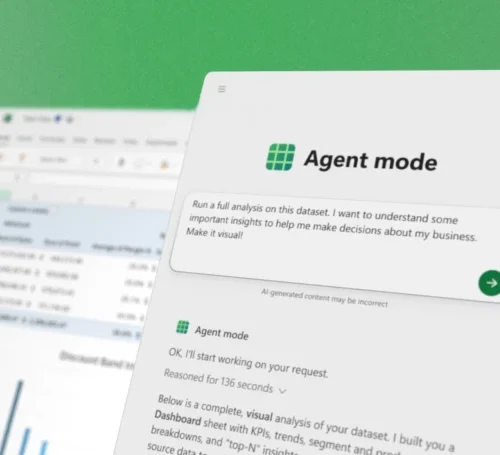
Driven by OpenAI’s GPT-5 large language model, Agent Mode is built into Word and Excel, and it allows the creation of complex documents and spreadsheets from user prompts. It’s called “agent” mode because it doesn’t just work from the prompt in a single step; rather, it plans multi-step work and runs a validation loop in the hopes of ensuring quality.

It’s only available in the web versions of Word and Excel at present, but the plan is to bring it to native desktop applications later.

There’s also the similarly named Office Agent for Copilot. Based on Anthropic models, this feature is built into Microsoft’s Copilot AI assistant chatbot, and it too can generate documents from prompts—specifically, Word or PowerPoint files.

Office Agent doesn’t run through all the steps as Agent Mode, but Microsoft believes it offers a dramatic improvement over prior, OpenAI-driven document-generation capabilities in Copilot, which users complained were prone to all sorts of problems and shortcomings. It is available first in the Frontier Program for Microsoft 365 subscribers.

Together, Microsoft says these features will let knowledge workers engage in a practice it’s calling “vibe working,” a play on the now-established term vibe coding.

Vibe everything, apparently

Vibe coding is the process of developing an application entirely via LLM chatbot prompts. You explain what you want in the chat interface and ask for it to generate code that does that. You then run that code, and if there are problems, explain the problem and tell it to fix it, iterating along the way until you have a usable application.

With new agent mode for Excel and Word, Microsoft touts “vibe working” Read More »
office-2024-will-be-the-next-standalone-release,-as-the-office-brand-lives-on

Office 2024 will be the next standalone release, as the Office brand lives on

return to office —

Consumer prices stay the same; MS promises at least one more standalone release.

Office 2024 will be the next standalone release, as the Office brand lives on

Microsoft

Last week, Microsoft announced that it would soon begin offering previews of Microsoft Office 2024, the next standalone perpetually licensed version of the Office suite. Like Office 2021 before it, Office 2024 will be part of Microsoft’s Long-Term Servicing Channel (LTSC), which is intended for IT administrators and users who value stability and predictability over constant iteration.

But Microsoft is being clearer than ever that it would really like people to move to using Microsoft 365 subscriptions, referring to Office 2024 as “a specialty product that Microsoft has committed to maintaining for use in exceptional circumstances.” The company will be increasing prices for businesses by “up to 10 percent” compared to Office 2021, a price hike that Microsoft says will “support continued innovation in this niche space.” Pricing for the consumer version of Office 2024 should stay the same as it is for Office 2021.

Office 2024 will receive support and security updates for five years from its release date, which will be “later this year,” along with a new LTSC release of Windows 11. The company has also committed to releasing at least one more standalone version of Office in the future. If you bought Office 2021 and you’re still happy with it, you’ll still get support (including security updates) until October of 2026. Support for Office 2019 ended in October 2023.

Highlights of the Office 2024 release include “new meeting creation options and search enhancements in Outlook, dozens of new Excel features and functions including Dynamic Charts and Arrays; and improved performance, security, and accessibility,” according to Microsoft. One missing feature of note will be Microsoft Publisher, which will be discontinued in October 2026.

Like other standalone Office releases, Office 2024’s feature set will be frozen in time without the continuous changes present in the Microsoft 365 versions of the same apps. And while the perpetually licensed versions of Office can interact with Microsoft services like OneDrive, the company says that other features like the Copilot AI assistant won’t be available in Office 2024 because it is a “disconnected product.” It’s also missing real-time collaboration features available in Microsoft 365.

Is it a rebrand if you keep using the old brand name in parentheses?

Enlarge / Is it a rebrand if you keep using the old brand name in parentheses?

Microsoft

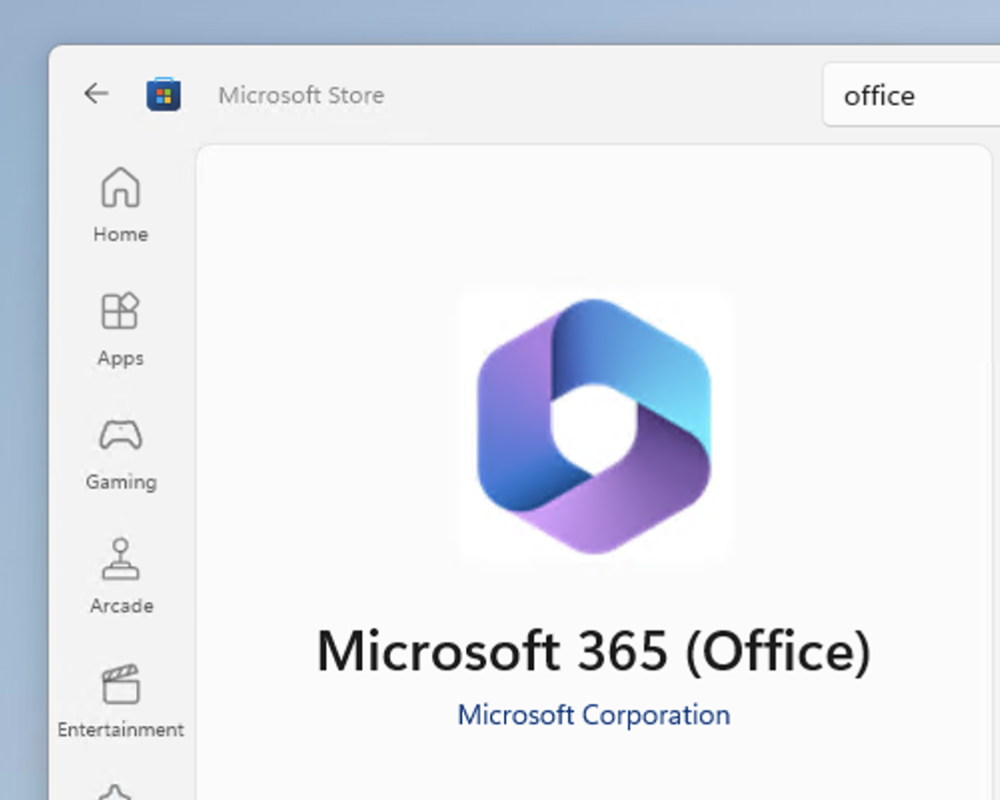
Among other things, the continued existence of the standalone Office product shows that the “Office” brand name will still be with us for a while, despite Microsoft’s formal decision to retire it back in late 2022. “Office” remains useful as a noun that refers to all of these apps collectively—and separately from the Microsoft 365 subscription product. Even in places where the Office name has been removed, Microsoft seems reticent to do away with it entirely; the Microsoft 365 app that comes built into Windows has the new name and the new logo but also includes “Office” in parentheses as if to say “yes, we know what name most people use to talk about this software.”

Office 2024 will be the next standalone release, as the Office brand lives on Read More »